How to disable appending attachments to a document using the attachment field in DocuSign
Here is how to disable appending attachments to a document using the attachment field in docusign
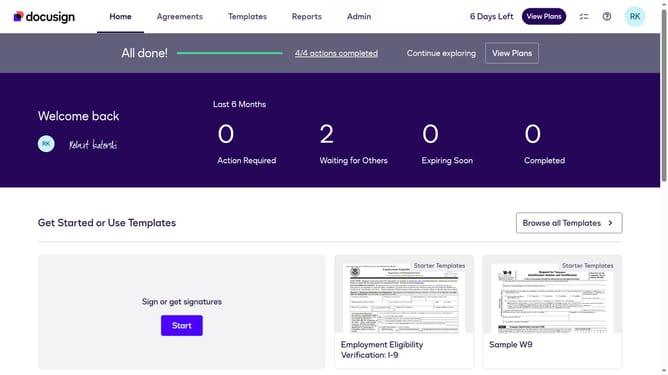
- First click on the "Admin" tab in the top navigation menu
- Then scroll down the page to view more options in the admin section
- Next click on the "Users" link in the left sidebar under the "USERS AND GROUPS" section
- Then click on the "Enable signer attachment field" checkbox
- Next uncheck the checkbox to disable "Enable signer attachment field" in the Fields and Properties section
- Then scroll down the page to view additional settings and options
- Finally click on the "Save Changes" button at the bottom of the page to save the configuration
Why should you disable appending attachments to a document using the attachment field in DocuSign
DocuSign is a leading digital transaction management service, streamlining the process of getting electronic agreements signed swiftly and securely.
By disabling the appending of attachments using the attachment field, you maintain a cleaner, more focused document package.
This feature ensures that only the most essential files are included, enhancing document clarity for both senders and recipients.
Using this capability can simplify workflows and reduce unnecessary document bloat, significantly improving your document management efficiency within DocuSign.
Last update