How to remove watermarks from documents that are still in progress in DocuSign
Here is how to remove watermarks from documents that are still in progress in docusign
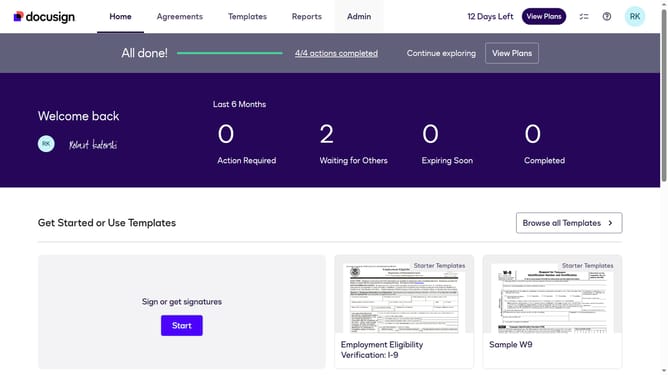
- First click on the "Admin" link in the top navigation menu
- Then scroll down the page to view more options
- Next click on "Signing Settings" in the left sidebar under the "SIGNING AND SENDING" section
- Then click the "Watermark Configuration" option under the Signing Experience section
- Next uncheck the "Apply watermarks to documents that are still in progress" option
- Finally click on the "Save Changes" button to save the watermark configuration
Why should you remove watermarks from documents that are still in progress in DocuSign
DocuSign simplifies the signing process by enabling users to execute documents digitally from anywhere.
Removing watermarks from documents still in progress within DocuSign is a feature designed for a smoother workflow. It helps ensure clarity and professionalism in edits or reviews, as watermarks can sometimes distract from content.
Utilizing this feature can streamline collaboration and ensure that teams focus on content quality. This elevated attention to detail aids in efficient document turnovers and error reduction.
Last update