How to enable Box as a document source in DocuSign
Here is how to enable box as a document source in docusign
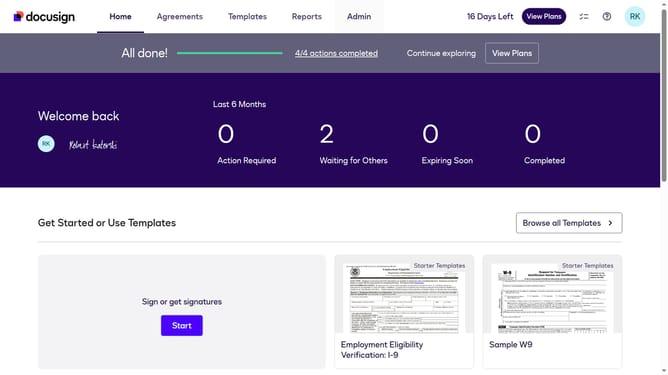
- First click on the "Admin" tab in the top navigation menu
- Then scroll down the page to view more admin settings options
- Next click on "Sending Settings" in the left sidebar under the "SIGNING AND SENDING" section
- Then scroll down the page to view the "Document Sources" section
- Next click the "Box" checkbox to enable it as a document source
- Finally click on the "Save Changes" button to apply the settings
Why should you enable Box as a document source in DocuSign
DocuSign revolutionizes the way you sign and manage documents online for seamless transactions.
Enabling Box as a document source within DocuSign allows you to easily access and pull documents directly from your Box account, simplifying the signing process. This integration not only saves time but also reduces the hassle of uploading files manually.
Leveraging Box with DocuSign ensures a more organized workflow, maintaining document integrity while providing safe, cloud-based access to your contracts and agreements. The ease of integration enhances productivity and collaboration.
Last update