How to hide the permission profile column under the users section in DocuSign
Here is how to hide the permission profile column under the users section in docusign
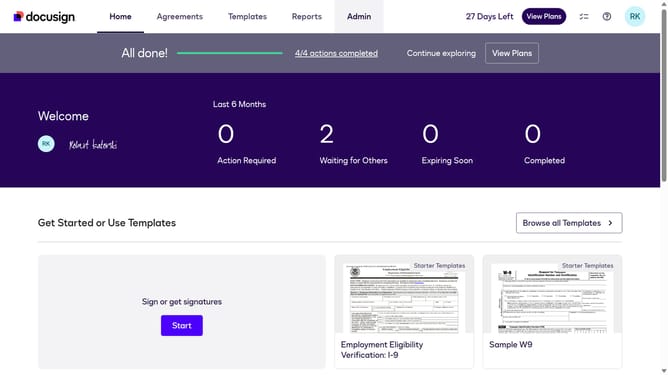
- First click on the "Admin" link in the top navigation menu
- Then scroll down the page to view the sidebar menu options
- Next click on the "Users" link in the sidebar under the "USERS AND GROUPS" section
- Then click on the settings icon (gear icon) in the top right corner of the Users table
- Next click on the "Permission Profile" checkbox to deselect it in the Show/Hide Columns dialog
- Finally click on the "Apply" button to save the column visibility changes
Why should you hide the permission profile column under the users section in DocuSign
DocuSign revolutionizes the signing process by enabling secure electronic agreements.
One handy feature is the ability to hide the permission profile column under the users section.
Streamlining the users view helps in focusing on the essential details, creating a cleaner interface.
By reducing visual clutter, it enhances productivity and ensures better data management.
Last update