How to enable sender notification when documents are purged from the system for an API user in DocuSign
Here is how to enable sender notification when documents are purged from the system for an api user in docusign
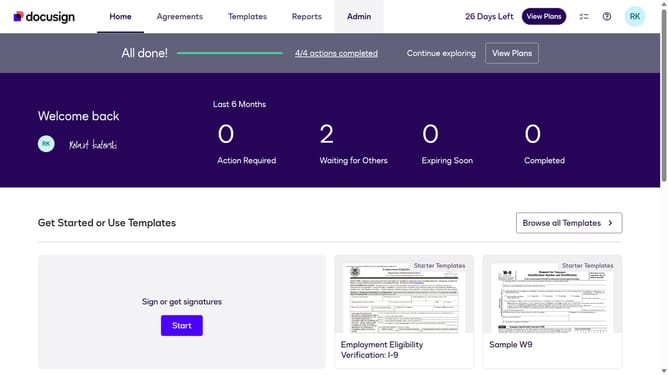
- First click on the "Admin" link in the top navigation menu
- Then scroll down the page to view additional options in the Admin section
- Next click on "Email Preferences" in the left sidebar under the "SIGNING AND SENDING" section
- Then click on the "API User" tab to switch to API user email preferences
- Next scroll down the page to view more email notification options for API users
- Then check the checkbox for the "Documents will be purged from the system" option
- Finally click on the "Save Changes" button to save the updated email preferences
Why should you enable sender notification when documents are purged from the system for an API user in DocuSign
DocuSign is a leading digital transaction management platform that empowers users to send, sign, and manage documents securely from anywhere.
Enabling sender notifications for document purging is a vital feature for API users wanting to maintain full control over their document lifecycles. This feature alerts users when documents are purged, ensuring no critical data is lost without notice.
By opting into these notifications, users enhance their document management practice, bolster security, and maintain compliance with organizational and legal standards.
Last update