How to allow the sender to download form data in DocuSign
Here is how to allow the sender to download form data in docusign
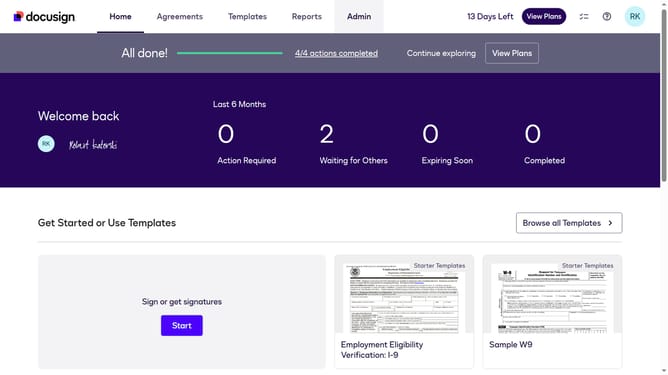
- First click on the "Admin" tab in the top navigation menu
- Then scroll down the page to view more admin settings options
- Next click on "Sending Settings" in the left sidebar under the "SIGNING AND SENDING" section
- Then scroll down the page to view additional sending settings options
- Next click on the checkbox to enable "Allow sender to download form data" option
- Then scroll down to the bottom of the page to view the save button
- Finally click on the "Save Changes" button to apply the settings
Why should you allow the sender to download form data in DocuSign
DocuSign revolutionizes digital transactions by providing secure electronic signature solutions.
A standout feature is its capability allowing senders to download form data, streamlining workflow efficiency.
By accessing completed document data, users can maintain accurate records and effortlessly manage compliance requirements.
This feature not only enhances data accessibility but also significantly reduces time spent on manual data entry.
Last update