How to exclude payment tab data from webhook payloads in DocuSign
Here is how to exclude payment tab data from webhook payloads in docusign
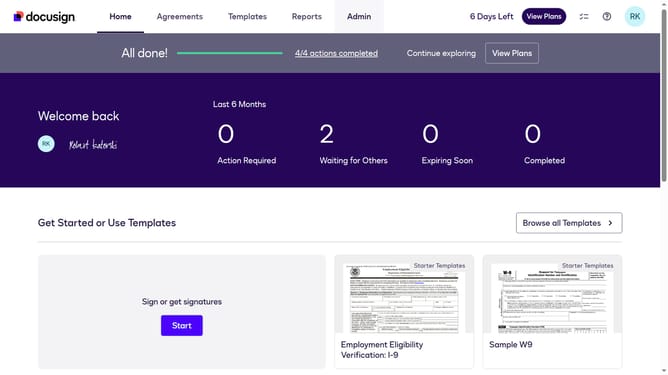
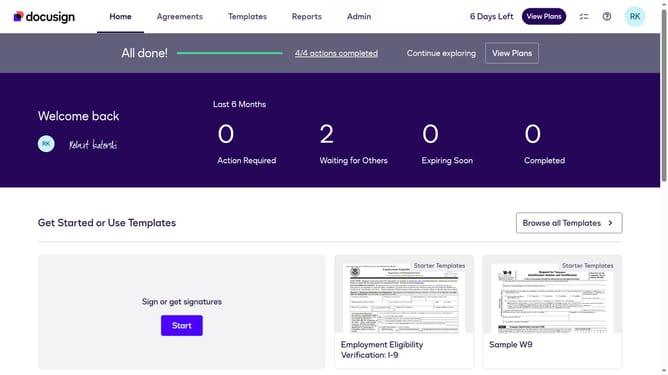
- First click on the "Admin" link in the top navigation menu
- Then scroll down the page to view more content
- Then click on the "Connect" link in the left sidebar under the INTEGRATIONS section
- Then click on the "Actions" dropdown button next to a custom configuration in the configurations table
- Then click on the "Edit" option from the Actions dropdown menu
- Then scroll down the page to view the Trigger Events section
- Next click the "Envelope and Recipients" dropdown button
- Then scroll down and click the Include Data dropdown button
- Next uncheck the "Payment" checkbox to disable it in the Include Data options
- Then scroll down to the bottom of the configuration page
- Finally click on the "Save Configuration" button to save the changes
Why should you exclude payment tab data from webhook payloads in DocuSign
DocuSign is a leading eSignature solution that streamlines document signing and manages digital agreements with ease.
The ability to exclude payment tab data from webhook payloads in DocuSign ensures enhanced privacy and security for sensitive payment information.
Using this feature can help in maintaining compliance with data protection regulations by allowing users to refine the information shared during webhook events.
Ultimately, it offers heightened control over data sharing, making system integrations more efficient and secure.
Last update