How to require authentication every time a recipient opens an envelope in DocuSign
Here is how to require authentication every time a recipient opens an envelope in docusign
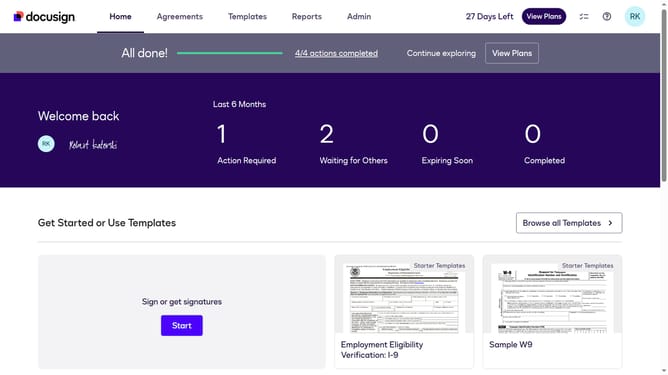
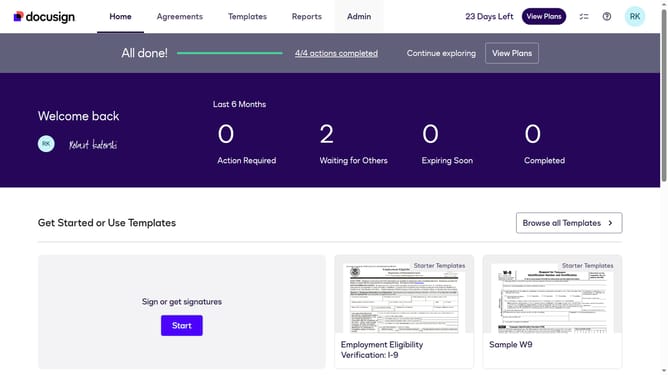
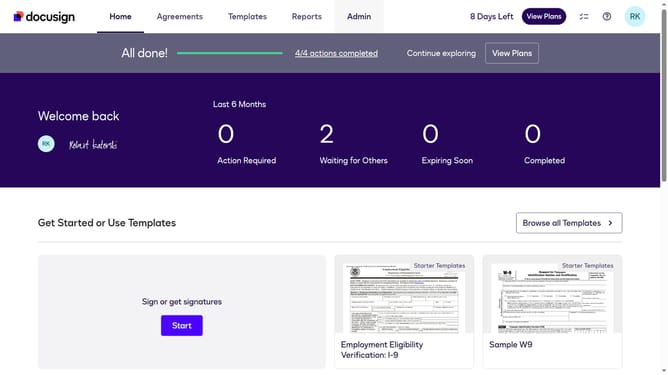
- First click on the "Admin" link in the top navigation menu
- Then click on the "Security Settings" link in the left sidebar under the ACCOUNT section
- Next click on the "Every time a recipient accesses an envelope" radio button under the Recipient Authentication Triggers section
- Then scroll down the page to view additional security settings
- Finally click on the "Save Changes" button at the bottom of the page
Why should you require authentication every time a recipient opens an envelope in DocuSign
DocuSign empowers seamless digital transactions with its secure and efficient electronic signature solutions.
One crucial feature of DocuSign is the ability to require authentication every time a recipient opens an envelope.
This feature enhances security by ensuring that sensitive documents are accessible only to intended recipients, reducing risks of unauthorized access.
Additionally, authentication instills confidence in all parties, reinforcing trust in the transaction's integrity and confidentiality.
Last update