How to enable comments in envelopes sent from an account in DocuSign
Here is how to enable comments in envelopes sent from an account in docusign
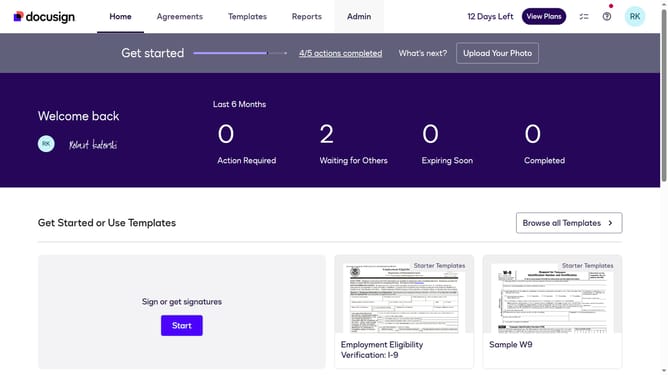
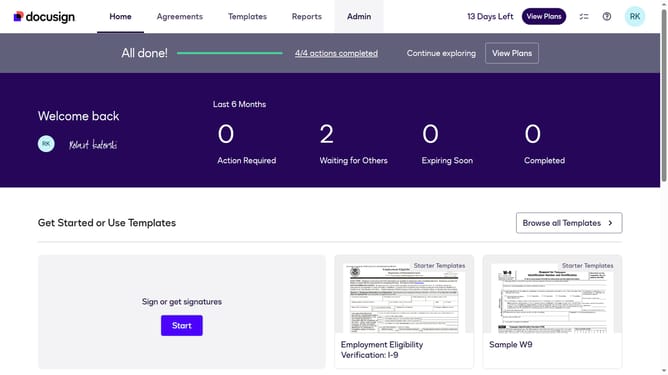
- First click on the "Admin" link in the top navigation menu
- Then scroll down the page to view additional content in the sidebar
- Next click the "Comments" in the left sidebar under the SIGNING AND SENDING section
- Then click on the checkbox labeled "Enable comments in envelopes sent from this account" in the Comments Settings section
- Finally click on the "Save Changes" button to apply the settings
Why should you enable comments in envelopes sent from an account in DocuSign
DocuSign simplifies electronic agreements, allowing businesses to securely prepare, sign, act on, and manage contracts online.
Enabling comments in envelopes within DocuSign offers users a streamlined way to clarify and discuss details directly on the document.
This feature enhances collaboration, reducing the need for back-and-forth communications via emails or meetings.
By using comments, users can ensure that all parties are on the same page, speeding up decision-making and increasing overall efficiency.
Last update