How to select the procurement use case in the esignature value calculator in DocuSign
Here is how to select the procurement use case in the esignature value calculator in docusign
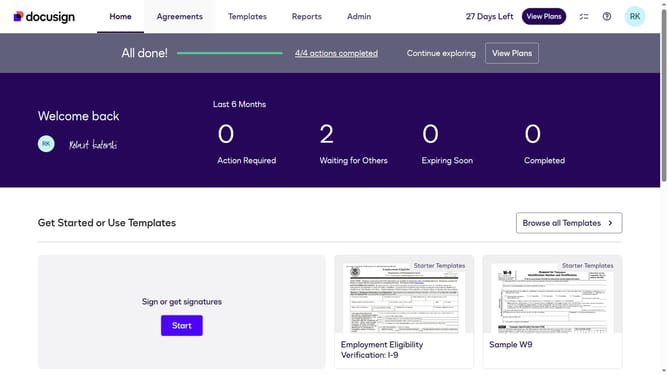
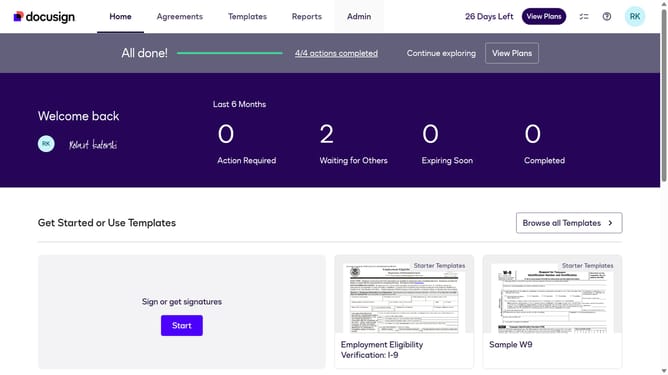
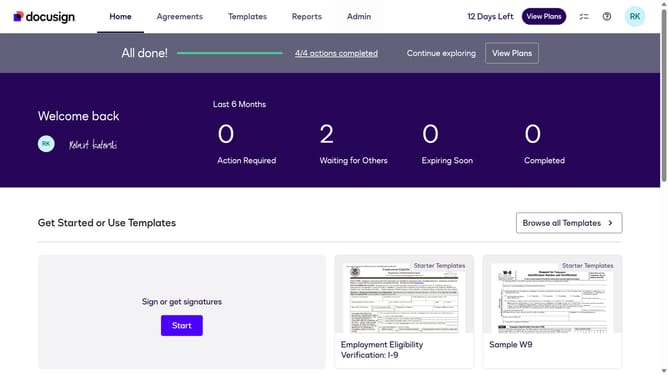
- First click on the "Admin" navigation link in the top menu
- Then click on the "Value Calculator" link in the left sidebar under the ACCOUNT section
- Next click on the "Select Use Case" dropdown menu and select "Procurement"
- Finally scroll down to view the updated benchmark data showing the Hard Cost Savings per Document value
Why should you select the procurement use case in the esignature value calculator in DocuSign
DocuSign is a powerful tool designed to streamline and simplify the signing process for digital documents.
The eSignature value calculator feature in DocuSign allows you to effortlessly assess the benefits of digitizing processes, such as procurement.
By selecting the procurement use case, you can accurately determine potential time and cost savings. Using this feature not only enhances operational efficiency but also informs strategic decision-making within your organization.
Last update