How to enable notifications when an envelope is sent to a signing group for an API user in DocuSign
Here is how to enable notifications when an envelope is sent to a signing group for an api user in docusign
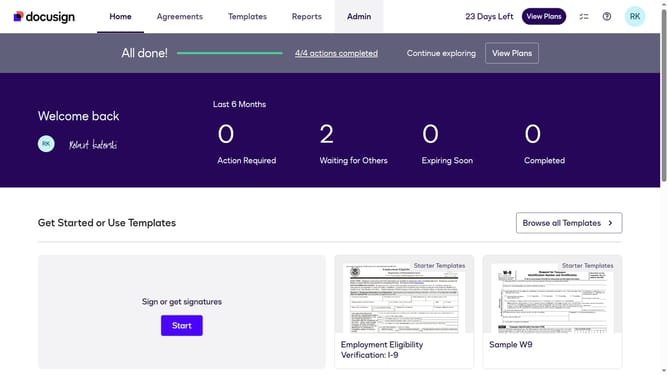
- First click on the "Admin" link in the top navigation menu
- Then scroll down the page to view more content in the Admin section
- Next click on "Email Preferences" in the left sidebar under the "SIGNING AND SENDING" section
- Then click on the "API User" tab to switch to API user email preferences
- Next scroll down the page to view additional email notification options
- Then click on the checkbox for "An envelope is sent to a signing group to which I belong" to enable this notification
- Next scroll down to the bottom of the page to view the save button
- Finally click on the "Save Changes" button to save the email preference settings
Why should you enable notifications when an envelope is sent to a signing group for an API user in DocuSign
DocuSign streamlines the signing process by digitizing document management and electronic signatures.
Enabling notifications for envelopes sent to a signing group benefits API users by keeping everyone informed and synchronized. This feature ensures team members receive real-time updates when an envelope is sent, fostering better collaboration and decision-making.
Staying updated with notifications helps reduce delays and errors, enhancing the efficiency and effectiveness of document workflows. This feature is pivotal for maintaining workflow clarity and empowering teams to respond promptly to signing actions.
Last update