How to choose government in the esignature value calculator in DocuSign
Here is how to choose government in the esignature value calculator in docusign
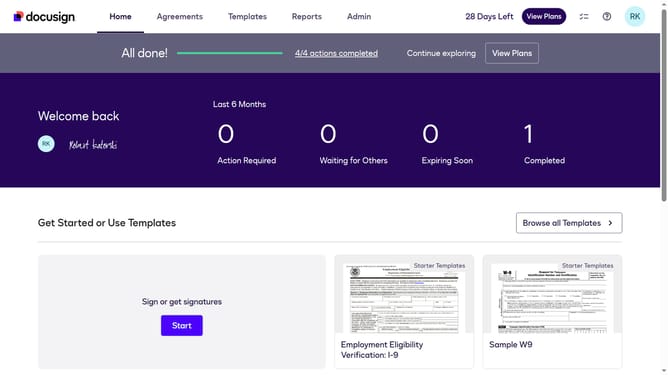
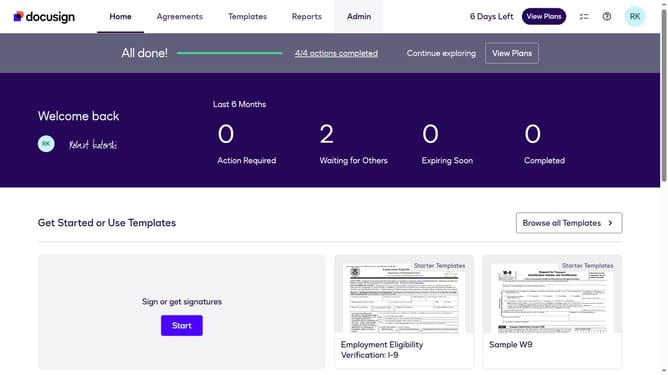
- First click on the "Admin" navigation link in the top menu
- Then click on the "Value Calculator" link in the left sidebar under the ACCOUNT section
- Next click on the "Select Industry" dropdown menu and select the "Government" option
- Finally scroll down the page to view the updated benchmark data results
Why should you choose government in the esignature value calculator in DocuSign
DocuSign simplifies the signing process by enabling secure digital signatures.
When using the eSignature value calculator, selecting "government" helps tailor results to a specific sector's needs. This option ensures that security and compliance align with governmental regulations.
It's an essential step for those working with public sector contracts, enhancing accuracy and efficiency. By choosing this option, users benefit from insights that reflect the unique requirements and savings pertinent to government dealings, streamlining operations seamlessly.
Last update