How to exclude tab data from webhook payloads in DocuSign
Here is how to exclude tab data from webhook payloads in docusign
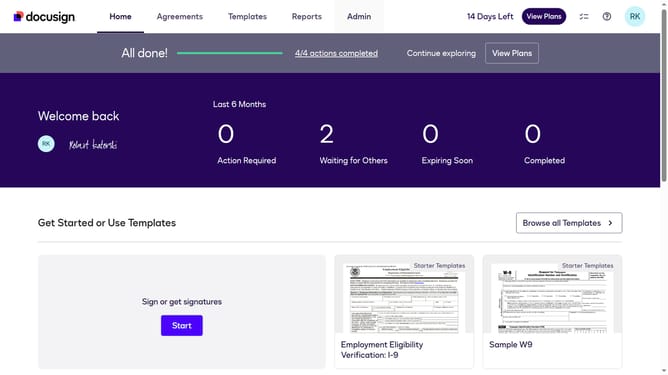
- First click on the "Admin" link in the top navigation menu
- Then scroll down the page to view more content
- Next click on the "Connect" option in the left sidebar under the INTEGRATIONS section
- Then click on the "Actions" dropdown button next to a custom configuration in the configurations table
- Next select the "Edit" option from the Actions dropdown menu
- Then scroll down the page to view the Trigger Events section
- Next expand the "Envelope and Recipients" section by clicking on it
- Then scroll down and click the Include Data dropdown button
- Next uncheck the "Tabs" checkbox to disable it in the Include Data options
- Then scroll down to the bottom of the page to view the save button
- Finally click on the "Save Configuration" button to save the changes
Why should you exclude tab data from webhook payloads in DocuSign
DocuSign is a leading platform that revolutionizes the way businesses manage digital agreements.
A key feature of DocuSign is the ability to exclude tab data from webhook payloads. This feature streamlines data by allowing users to select which tab details to omit when setting up webhooks.
Excluding tab data reduces unnecessary information, enhancing processing speed and efficiency. It benefits organizations by focusing on relevant data, optimizing workflow, and ensuring that systems handle only crucial information.
Last update