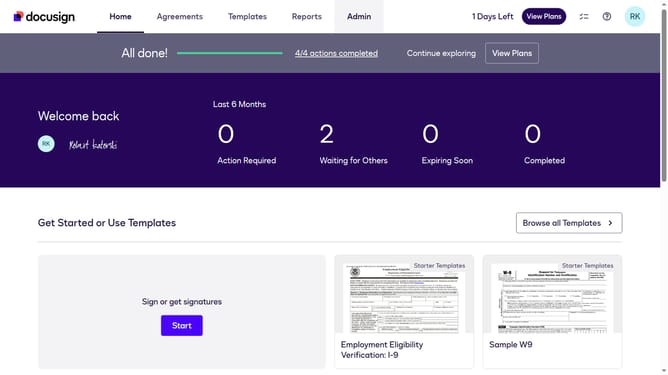
How to disable notifications for copy-only recipients for an API user in DocuSign
Here is how to disable notifications for copy-only recipients for an api user in docusign
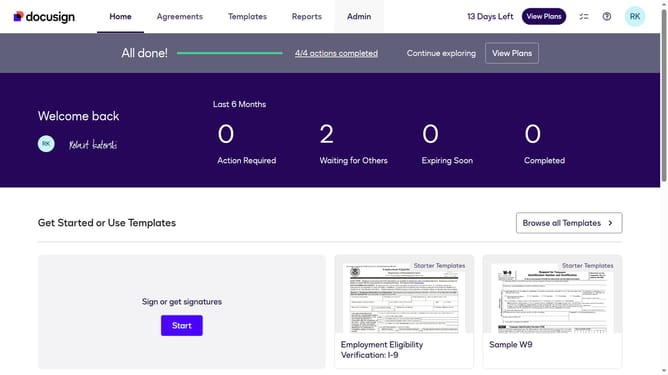
- First click on the "Admin" link in the top navigation menu
- Then click on the scrollbar to scroll down the page
- Next click on the "Email Preferences" link in the left sidebar under the "SIGNING AND SENDING" section
- Then click on the "API User" tab to switch to API user email preferences
- Next uncheck the "I am a copy-only recipient" checkbox under the "For Signers" section
- Then scroll down the page to view additional email preference options
- Finally click on the "Save Changes" button to save the updated email preferences
Why should you disable notifications for copy-only recipients for an API user in DocuSign
DocuSign revolutionizes the way businesses manage digital agreements with ease and security.
Disabling notifications for copy-only recipients for an API user in DocuSign streamlines communication by reducing unnecessary alerts.
This feature enhances focus and efficiency, ensuring that only essential information is received by key stakeholders.
By minimizing distractions, users maintain a cleaner inbox, promoting a more organized workflow.
Last update