How to enable document attachments in completion emails in DocuSign
Here is how to enable document attachments in completion emails in docusign
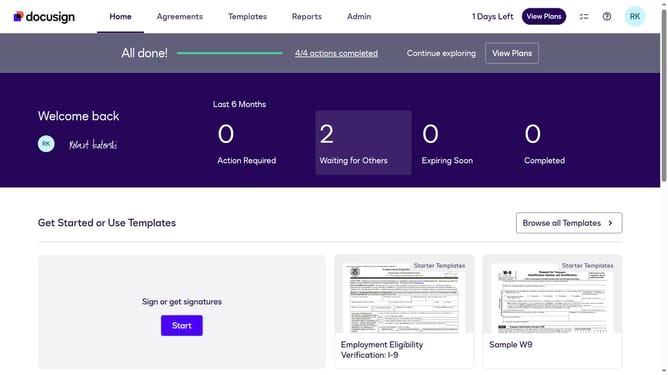
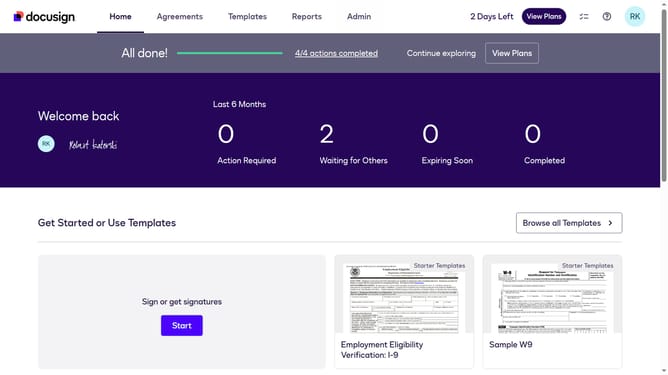
- First click on the "Admin" link in the top navigation menu
- Then scroll down the page to view the sidebar menu options
- Next click on "Signing Settings" in the left sidebar under the "SIGNING AND SENDING" section
- Then scroll down the page to view the "Envelope Delivery" section
- Next click on the "Attach documents to completion email" checkbox in the "Envelope Delivery" section
- Finally click on the "Save Changes" button at the bottom of the page
Why should you enable document attachments in completion emails in DocuSign
DocuSign is a streamlined digital solution that simplifies document signing and management.
One useful feature of DocuSign is the ability to enable document attachments in completion emails.
This feature enhances communication transparency by automatically sending a copy of the finalized document to all parties upon completion, ensuring everyone stays informed.
By leveraging this function, users can improve workflow efficiency and enhance collaboration, while maintaining a clear and organized record of completed transactions.
Last update