How to disable triggering an event when a recipient signs or completes an envelope in DocuSign
Here is how to disable triggering an event when a recipient signs or completes an envelope in docusign
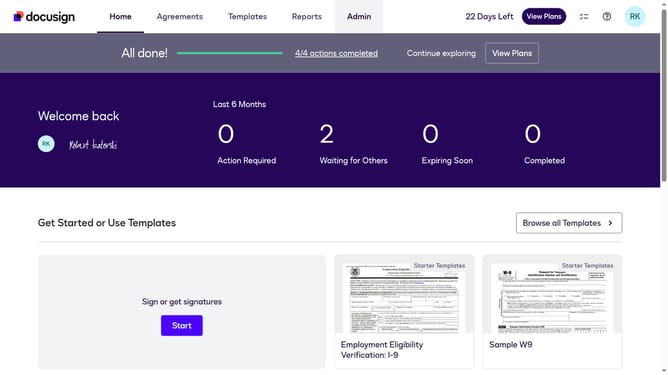
- First click on the "Admin" link in the top navigation menu
- Then scroll down the page to view more content
- Next click on the "Connect" option in the left sidebar under the "INTEGRATIONS" section
- Then click on the "Actions" dropdown button next to a custom configuration you want to disable a trigger event in the configurations table
- Next select the "Edit" option from the dropdown menu
- Then scroll down the page to view the trigger events section
- Next click on the "Envelope and Recipients" accordion to expand it
- Then uncheck the "Recipient Signed/Completed" checkbox to disable this trigger event
- Next scroll down the page to view the save button
- Finally click on the "Save Configuration" button to save the changes
Why should you disable triggering an event when a recipient signs or completes an envelope in DocuSign
DocuSign is a leading platform for managing electronic agreements swiftly and securely.
One of its handy features is the option to disable triggering an event when a recipient signs or completes an envelope. This feature allows users to manage their workflow notifications more effectively.
It's perfect for scenarios where immediate notification isn't necessary, helping businesses streamline processes and maintain focus on more critical tasks.
By controlling notifications, users can enhance productivity and reduce distractions, ensuring a smoother operational flow.
Last update