How to stop requiring a special character in passwords in DocuSign
Here is how to stop requiring a special character in passwords in docusign
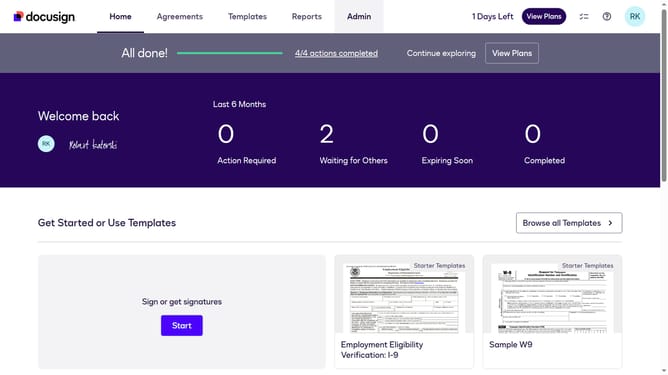
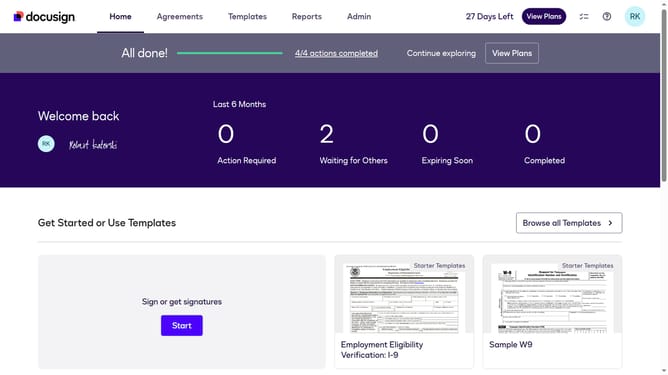
- First click on the "Admin" link in the top navigation menu
- Then click on "Security Settings" link in the left sidebar under the ACCOUNT section
- Next scroll down the page to view the Password Security section
- Then click on the "Show Password Rules" button in the Password Security section
- Scroll down in the Password Rules modal dialog
- Then uncheck the "At least one special character" checkbox in the Passwords must include section
- Finally click on the "Save" button at the bottom of the Password Rules modal dialog to save the changes
Why should you stop requiring a special character in passwords in DocuSign
DocuSign streamlines the process of signing documents electronically, making it efficient and user-friendly.
One feature to enhance user flexibility is the option to stop requiring a special character in passwords. By simplifying password criteria, users can create and remember passwords more easily, reducing login friction.
This flexibility can improve the user experience, enabling smoother access to documents while still maintaining a secure system. Such customization ensures that security measures align with individual or organizational needs.
Last update