How to exclude folders from webhook payloads in DocuSign
Here is how to exclude folders from webhook payloads in docusign
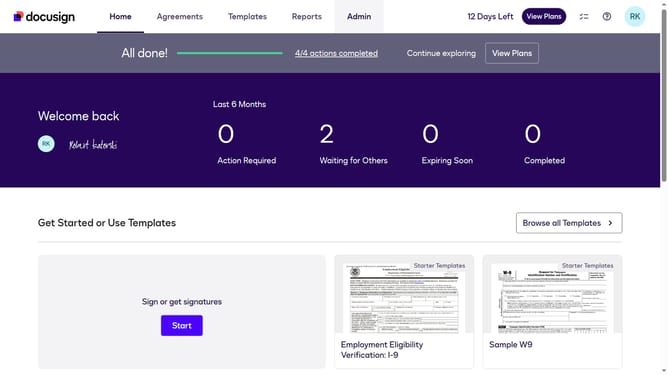
- First click on the "Admin" link in the top navigation menu
- Then scroll down the page to view more content
- Next click on the "Connect" option in the left sidebar under the INTEGRATIONS section
- Then click on the "Actions" dropdown button next to a custom configuration in the configurations table
- Next select the "Edit" option from the Actions dropdown menu
- Then scroll down the page to view the configuration settings
- Next click on the "Envelope and Recipients" expandable section
- Then click on the "Include Data" expandable section
- Next uncheck the "Folders" checkbox in the Include Data section to disable it
- Then scroll down to the bottom of the page to view the save button
- Finally click on the "Save Configuration" button to save the changes
Why should you exclude folders from webhook payloads in DocuSign
DocuSign streamlines digital transactions by enabling seamless electronic signatures and document management.
Among its features is the capability to exclude specific folders from webhook payloads, offering enhanced flexibility in processing notifications. This function prevents unnecessary data from being pushed, allowing for more focused and relevant updates.
By refining data flow, it reduces clutter, minimizes processing time, and ensures more efficient use of resources. This feature particularly benefits large organizations that handle vast amounts of data, helping them maintain an organized and efficient workflow.
Last update