How to select the IT use case in the esignature value calculator in DocuSign
Here is how to select the it use case in the esignature value calculator in docusign
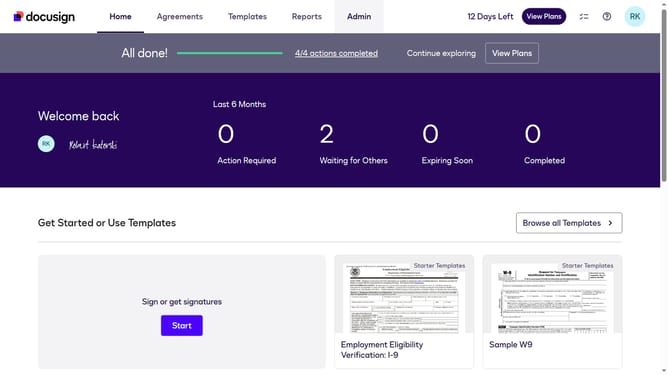
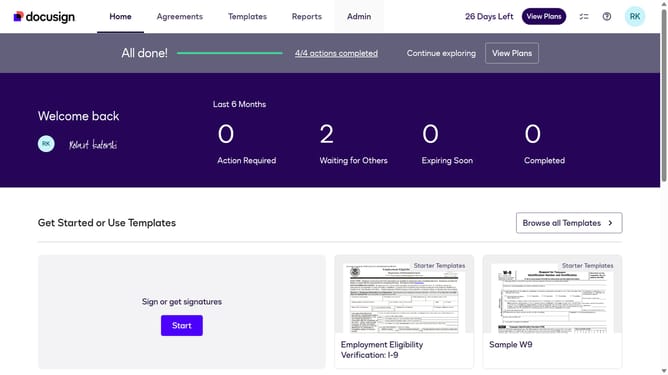
- First click on the "Admin" link in the top navigation menu
- Then click on the "Value Calculator" link in the left sidebar under the ACCOUNT section
- Next click on the "Select Use Case" dropdown menu and select "IT" from the options
- Finally scroll down the page to view the updated benchmark data
Why should you select the IT use case in the esignature value calculator in DocuSign
DocuSign revolutionizes document workflows by enabling secure electronic signatures.
The eSignature value calculator helps quantify the benefits of digital transformation. For IT professionals, selecting the right use case can unveil potential efficiencies and cost-savings.
By focusing on high-impact areas, you ensure your organization maximizes value and streamlines processes.
Using this feature, IT departments can predict tangible returns, boosting productivity and showcasing the strategic advantage of digitization.
Last update