How to enable sender notifications only for comments that mention the API user in DocuSign
Here is how to enable sender notifications only for comments that mention the api user in docusign
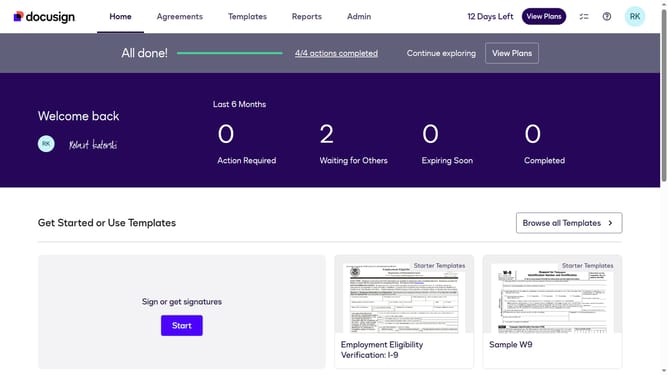
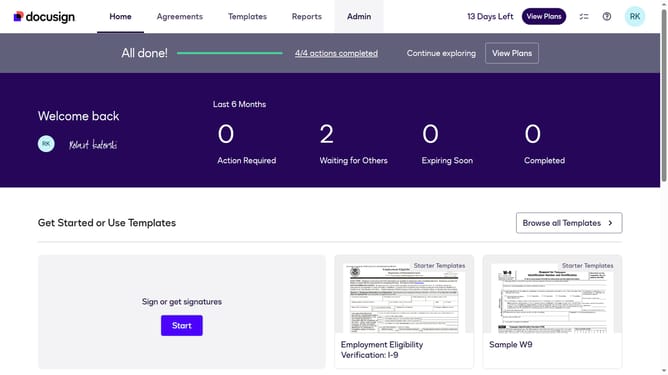
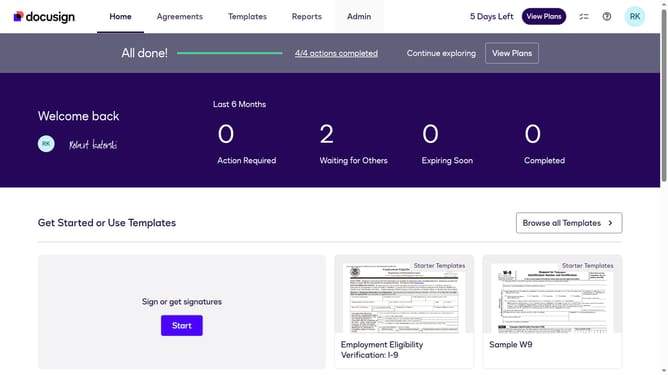
- First click on the "Admin" link in the top navigation menu
- Then scroll down the page to view more content in the main area
- Next click on "Email Preferences" in the left sidebar under the "SIGNING AND SENDING" section
- Then click on the "API User" tab in the Email Preferences section
- Next scroll down the page to view additional email notification options
- Then select the "Only comments that mention me or are private to me" radio button option
- Finally click on the "Save Changes" button to apply the settings
Why should you enable sender notifications only for comments that mention the API user in DocuSign
DocuSign is a trusted platform that empowers users to manage electronic agreements securely and efficiently.
One valuable feature allows API users to receive notifications only when they are specifically mentioned in comments. This targeted notification ensures you remain informed without being overwhelmed by unnecessary alerts.
By focusing on relevant updates, this feature streamlines your workflow, enabling you to prioritize responses that truly matter. Experience enhanced productivity and seamless communication with this tailored approach.
Last update