How to set password strength to strong in DocuSign
Here is how to set password strength to strong in docusign
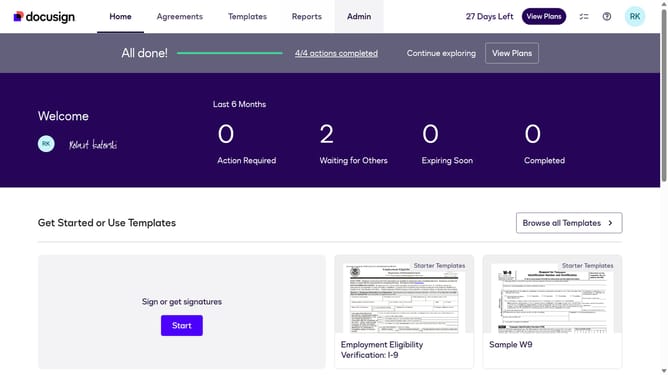
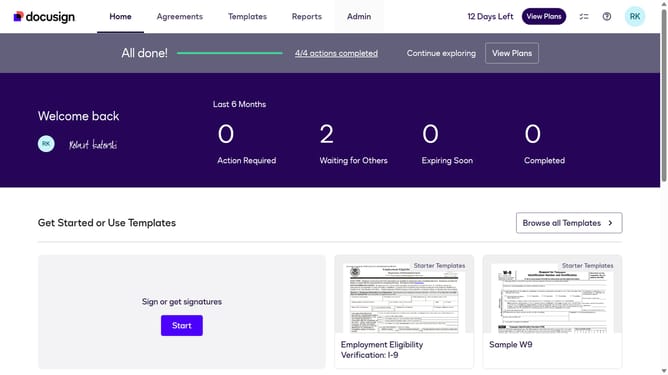
- First click on the "Admin" link in the top navigation menu
- Then click on the "Security Settings" option in the left sidebar under the ACCOUNT section
- Next scroll down to the Password Security section
- Then click the "Show Password Rules" option under the Password Scurity section
- Next click on the "Password Strength" dropdown menu and select "Strong" option
- Finally click on the "Save" button to confirm the password strength changes
Why should you set password strength to strong in DocuSign
DocuSign is a leading digital transaction management service designed to make document signing and verification both seamless and secure.
Enhancing password strength to 'strong' in DocuSign ensures that your digital documents are protected with an added layer of security.
This feature minimizes unauthorized access, safeguarding sensitive information and increasing trust in digital transactions.
By implementing strong passwords, users can experience peace of mind, knowing their documents are secure and protected.
Last update