How to trigger events when a template is modified in DocuSign
Here is how to trigger events when a template is modified in docusign
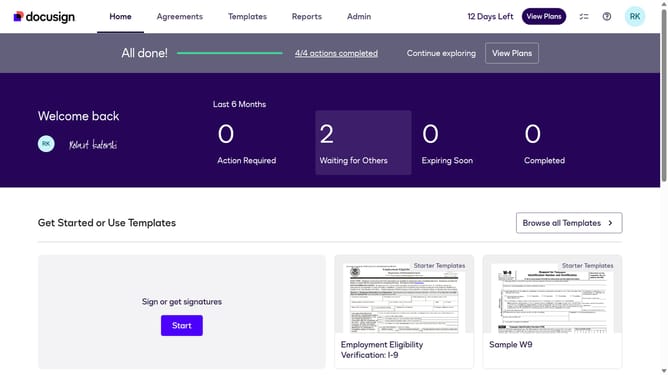
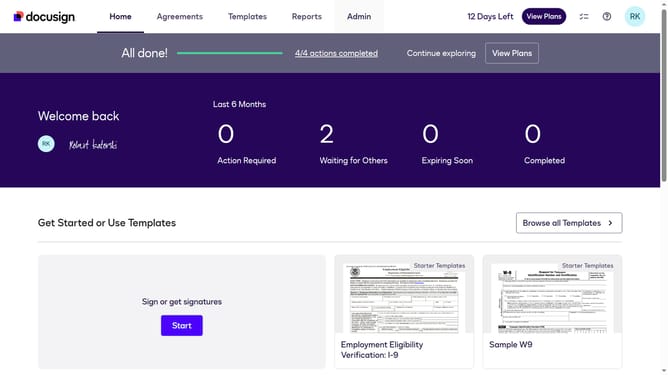
- First click on the "Admin" link in the top navigation menu
- Then scroll down the page to view additional content in the sidebar
- Next click on the "Connect" option in the left sidebar under the INTEGRATIONS section
- Then click on the "Actions" dropdown button next to a custom configuration in the configurations table
- Next select the "Edit" option from the Actions dropdown menu
- Then scroll down the page to view the Trigger Events section
- Next click on the "Template" accordion to expand the template trigger events
- Then click on the "Template Modified" checkbox to enable this trigger event
- After that scroll down to the bottom of the page to view the save button
- Finally click on the "Save Configuration" button to save the changes
Why should you trigger events when a template is modified in DocuSign
DocuSign streamlines the process of managing electronic agreements by enabling secure and efficient handling of documents.
Triggering events when a template is modified in DocuSign offers businesses the advantage of staying informed and agile.
This feature helps ensure that any changes made are immediately communicated, streamlining workflow and facilitating timely responses.
By adopting this approach, organizations can maintain consistent oversight and improve compliance, ultimately enhancing operational efficiency.
Last update