How to enable password expiration in DocuSign
Here is how to enable password expiration in docusign
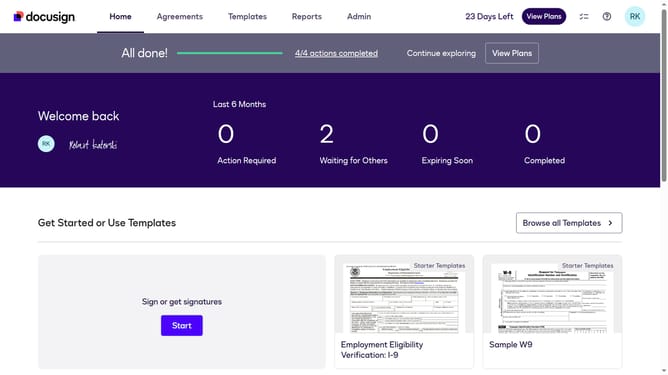
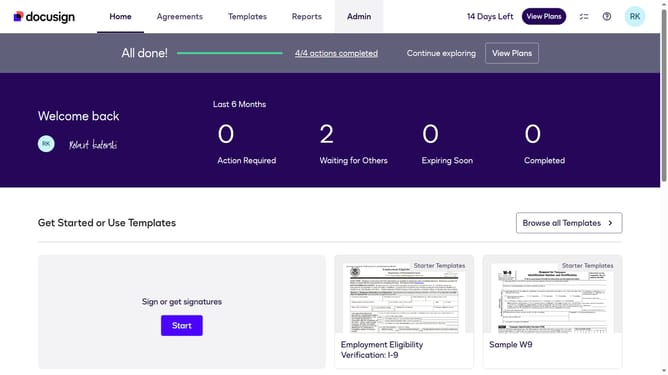
- First click on the "Admin" link in the top navigation menu
- Then click on the "Security Settings" option in the left sidebar under the ACCOUNT section
- Next scroll down the page to view the Password Security section
- Then click on the "Show Password Rules" button in the Password Security section
- Next click on the "Enable password expiration" checkbox in the Password Rules dialog
- Then enter a value in the "Days until password expires" text field
- Finally click on the "Save" button to save the password expiration settings
Why should you enable password expiration in DocuSign
DocuSign revolutionizes the way businesses manage electronic agreements by providing secure, cloud-based document signing solutions.
Enabling password expiration in DocuSign is a vital feature that enhances user account security.
This feature ensures that passwords are periodically updated, thereby protecting sensitive information and reducing the risk of unauthorized access.
Regularly updating passwords is recognized as a crucial step in maintaining a robust security posture, giving users peace of mind and maintaining the integrity of digital transactions.
Last update