How to enable sender notification when a signer declines to sign for an API user in DocuSign
Here is how to enable sender notification when a signer declines to sign for an api user in docusign
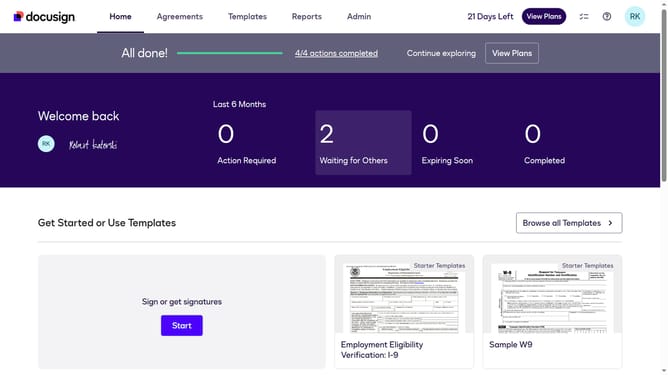
- First click on the "Admin" link in the top navigation menu
- Then scroll down the page to view additional options in the Admin section
- Next click on "Email Preferences" in the left sidebar under the "SIGNING AND SENDING" section
- Then click on the "API User" tab to switch to API user email preferences
- Next scroll down the page to view more email notification options for API users
- Then check the checkbox for "A signer declines to sign"
- Finally click on the "Save Changes" button to save the updated email preferences
Why should you enable sender notification when a signer declines to sign for an API user in DocuSign
DocuSign is a leading platform for electronic agreements, enabling swift and secure digital transaction management.
For an API user, enabling sender notification when a signer declines to sign is a crucial feature. It ensures immediate awareness, allowing timely responses to potential issues or misunderstandings. Knowing when a signer declines helps in adjusting strategies or communication promptly.
This proactive step enhances efficiency and accountability, as users can address concerns or provide assistance, fostering better client engagement and maintaining strong contract timelines.
Last update