How to copy your API account ID in DocuSign
Here is how to copy your api account id in docusign
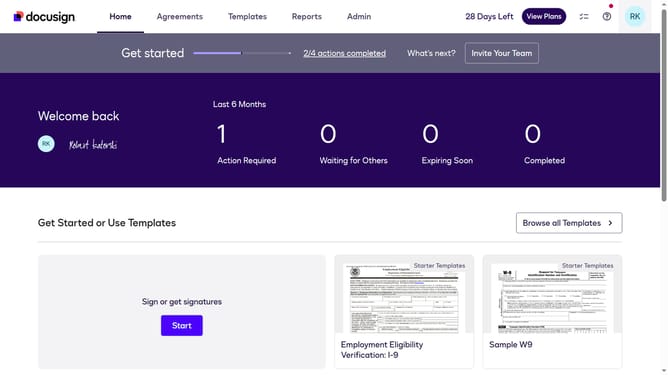
- First click on the "Admin" link in the top navigation menu
- Then scroll down the page to view additional options in the left sidebar
- Next click on the "Apps and Keys" link in the left sidebar under the INTEGRATIONS section
- Finally click on the copy button next to the "API Account ID" field to copy the account identifier
Why should you copy your API account ID in DocuSign
DocuSign is a leading platform for managing electronic agreements efficiently and securely.
An essential feature is the ability to copy your API account ID, a vital step for integrating DocuSign's capabilities into your applications. This feature streamlines your workflow, ensuring seamless connectivity with other systems.
Utilizing your API account ID facilitates effortless automation, enhancing your productivity. It guarantees swift access to DocuSign's robust tools, empowering you to offer flawless digital experiences.
Last update