How to download API log in DocuSign
Here is how to download api log in docusign
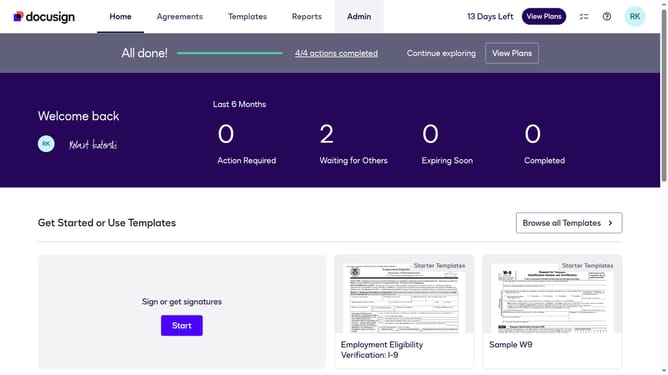
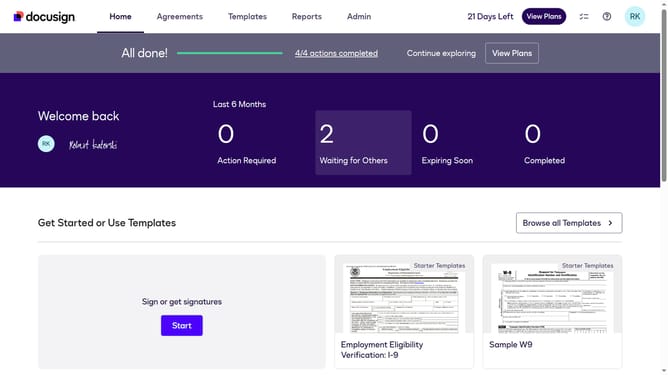
- First click on a profile icon in the top right corner of the header
- Then click on "My Preferences" option in the dropdown menu
- Then click on an area in the main content section to navigate to preferences
- Finally click on the "Download" button in the API Request Log section
Why should you download API log in DocuSign
DocuSign is a leading digital transaction management platform, simplifying the signing and sending of documents securely online.
Downloading API logs in DocuSign provides valuable insights into your integration activities, helping you monitor and optimize performance. These logs reveal usage patterns and troubleshoot potential issues effectively.
By accessing detailed logs, businesses can ensure smoother operations, maintain transparency, and enhance strategic decision-making, all while keeping their digital transactions effortless and compliant.
Last update