How to disable notifications when documents are scheduled for system purge for an API user in DocuSign
Here is how to disable notifications when documents are scheduled for system purge for an api user in docusign
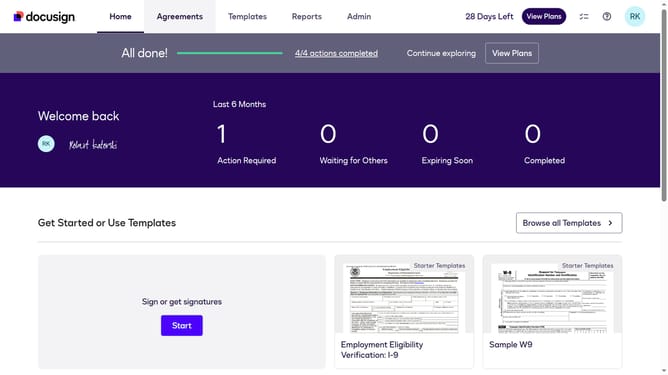
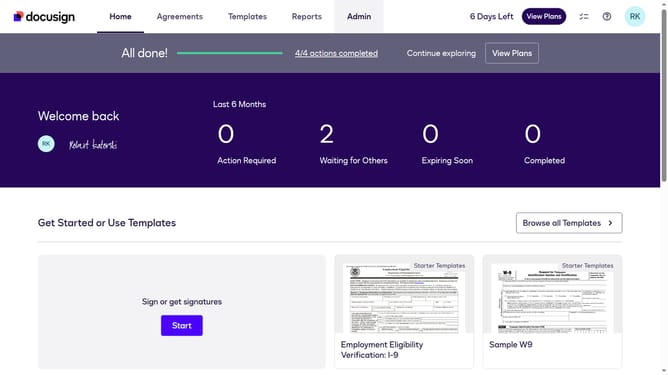
- First click on the "Admin" tab in the top navigation menu
- Then scroll down the page to view additional settings options
- Next click on the "Email Preferences" link in the left sidebar under the "SIGNING AND SENDING" section
- Then click on the "API User" tab to switch to API user email preferences
- Next scroll down to view more options
- Then uncheck the "Documents will be purged from the system" checkbox
- Continue scrolling down to reach the bottom of the email preferences page
- Finally click on the "Save Changes" button to save the updated email preferences
Why should you disable notifications when documents are scheduled for system purge for an API user in DocuSign
DocuSign is a trusted digital tool designed to streamline electronic agreements securely and efficiently.
For API users in DocuSign, having the option to disable notifications when documents are scheduled for system purge can be incredibly beneficial.
This feature ensures a clutter-free notification system, allowing users to focus on more pressing tasks while maintaining control over their document lifecycle management.
By opting out of these notifications, users enjoy a streamlined experience, minimizing unnecessary interruptions and enhancing workflow efficiency.
Last update