How to select the operations use case in the esignature value calculator in DocuSign
Here is how to select the operations use case in the esignature value calculator in docusign
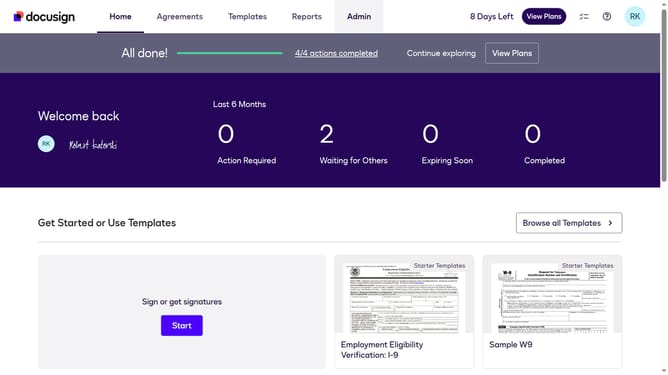
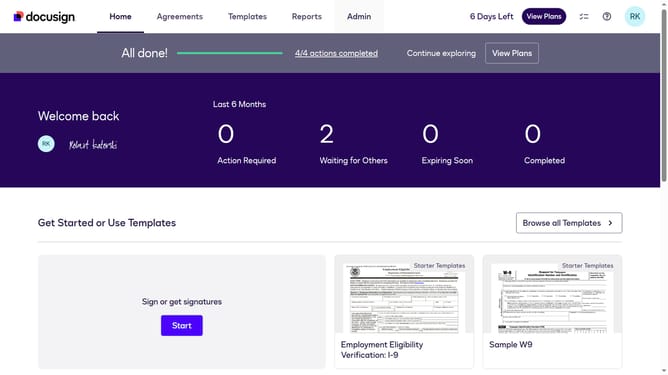
- First click on the "Admin" navigation link in the top menu
- Then click on the "Value Calculator" link in the left sidebar under the ACCOUNT section
- Next click on the "Select Use Case" dropdown menu and select "Operations" from the options
- Finally scroll down the page to view the updated benchmark data results
Why should you select the operations use case in the esignature value calculator in DocuSign
DocuSign is a leading platform that transforms how organizations manage digital transactions with eSignature capabilities.
The eSignature value calculator in DocuSign empowers businesses to assess their digital workflow efficiency by selecting tailored operations use cases.
By choosing the right operations use case, companies can visualize potential benefits, such as reduced costs and improved productivity, ensuring strategic decision-making.
This insightful tool assists in capitalizing on digital transformation opportunities, fostering growth and streamlined operations.
Last update