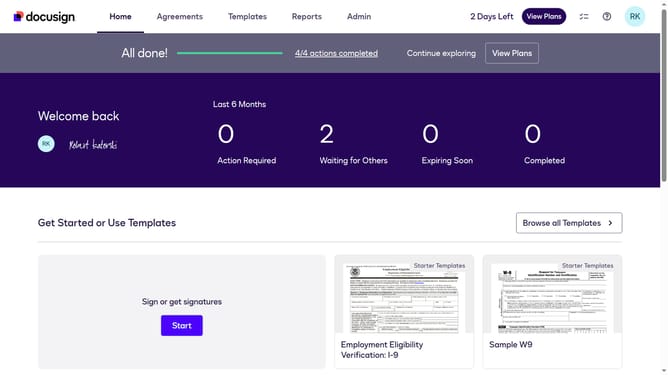
How to choose healthcare in the esignature value calculator in DocuSign
Here is how to choose healthcare in the esignature value calculator in docusign
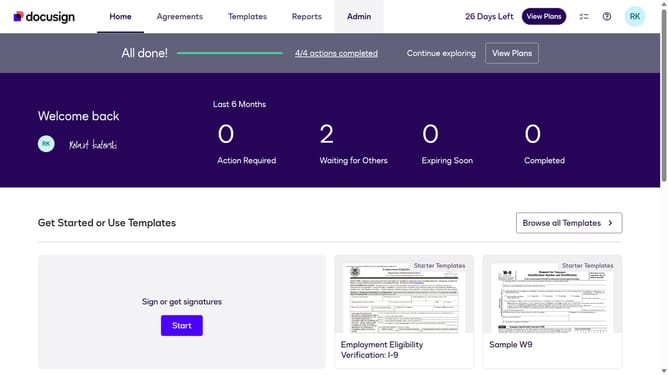
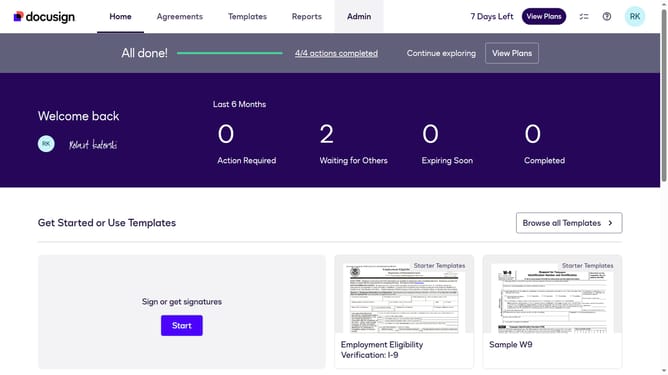
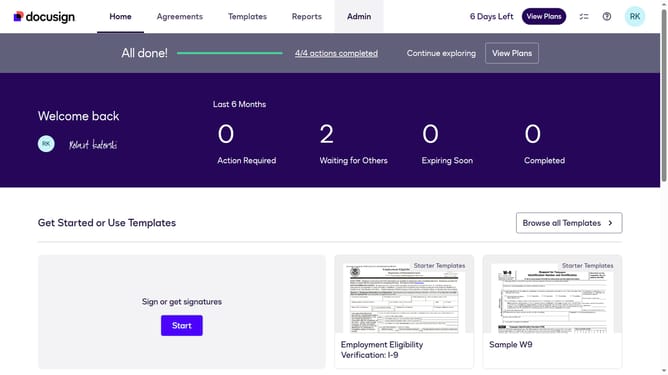
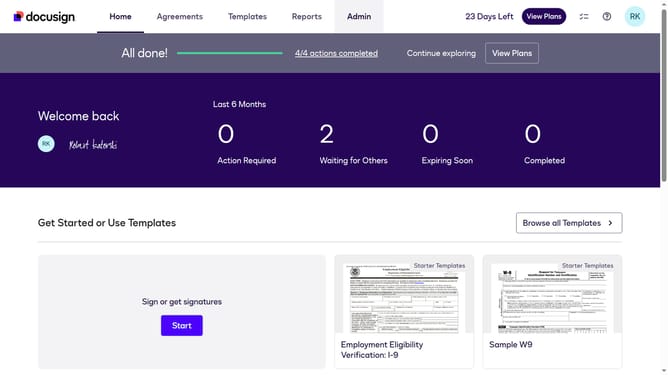
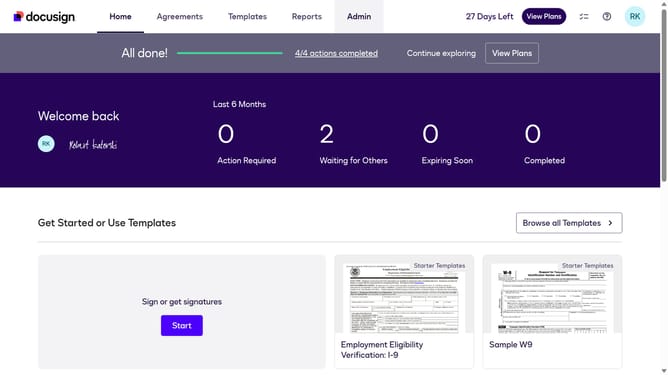
- First click on the "Admin" tab in the top navigation menu
- Then click on the "Value Calculator" link in the left sidebar under the Updates section
- Next click on the "Select Industry" dropdown menu and select the "Healthcare" option
- Finally scroll down the page to view the updated benchmark data results
Why should you choose healthcare in the esignature value calculator in DocuSign
DocuSign facilitates the seamless digital exchange of signatures, streamlining document management processes.
The eSignature value calculator in DocuSign offers a tailored approach to selecting healthcare services, focusing on efficiency and cost-effectiveness.
By utilizing this feature, healthcare professionals can quickly compare and identify optimal choices that align with their needs, enhancing both administrative tasks and patient experiences.
This calculated approach not only reduces time spent but also fosters informed decision-making, ultimately improving operational outcomes.
Last update