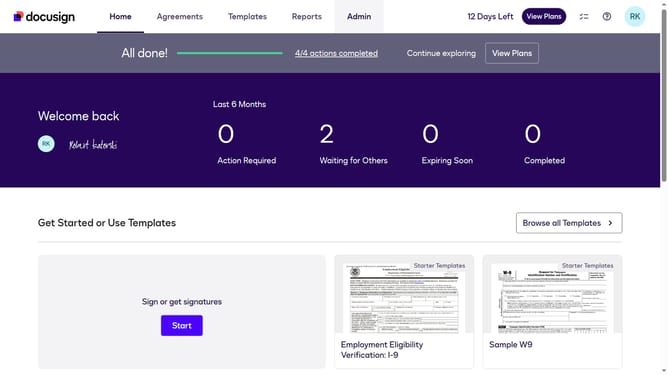
How to download a document in DocuSign
Here is how to download a document in docusign
- First click on the "Agreements" tab in the top navigation menu
- Then click on the "Download" button next to the document you want to download
- Next select the files you want to download in the Download files dialog
- Finally click on the "Download" button in the download files dialog to complete the download
Why should you download a document in DocuSign
DocuSign revolutionizes business transactions by providing a secure platform for electronic document signing and management.
The ability to download a document in DocuSign ensures seamless access to critical information anytime, anywhere. This feature elevates user experience by offering the flexibility to store digital copies for record-keeping or offline use.
This convenience perfectly complements today's fast-paced work environments, enhancing productivity and ensuring peace of mind when dealing with essential documents.
Last update