How to enable confirmation when recipients try to leave an active signing session in DocuSign
Here is how to enable confirmation when recipients try to leave an active signing session in docusign
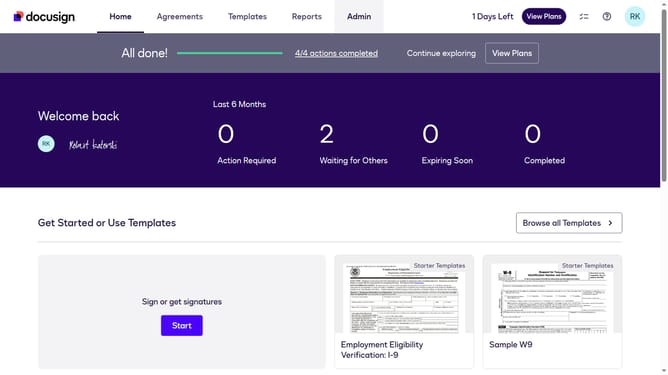
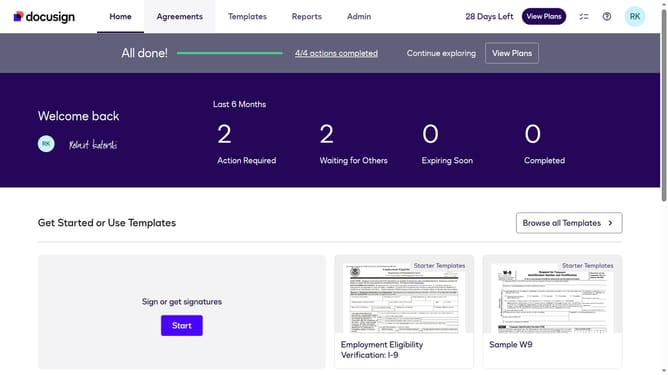
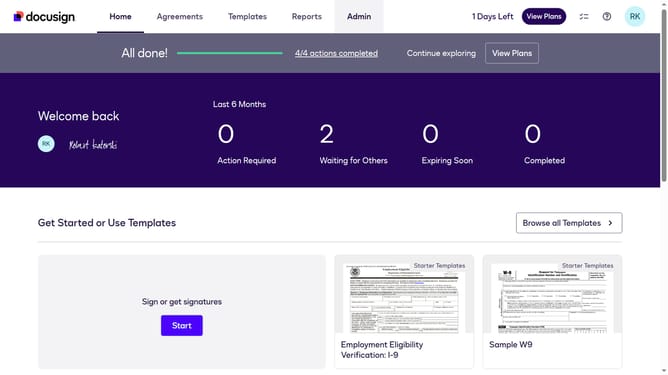
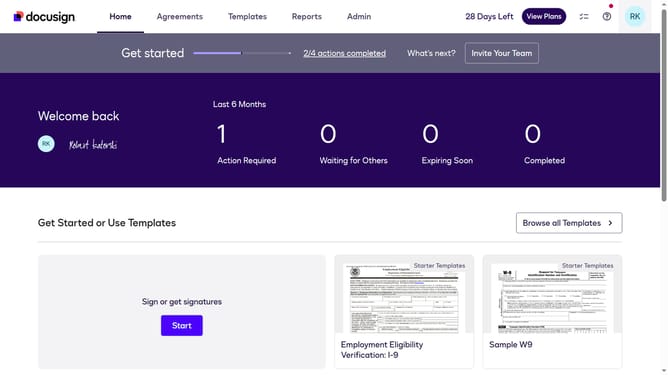
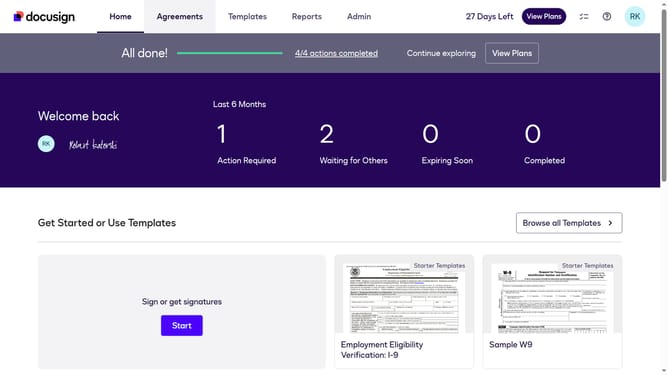
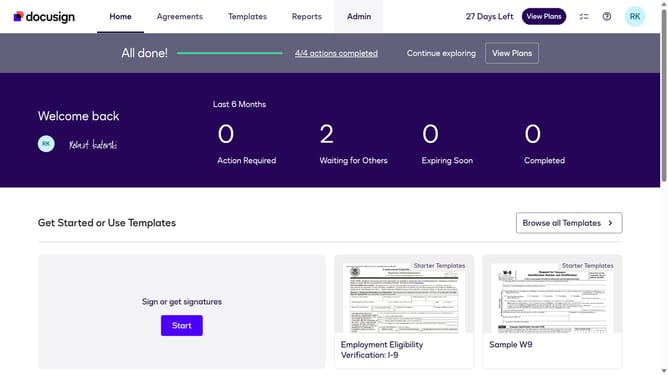
- First click on the "Admin" link in the top navigation menu
- Then scroll down the page to view more admin settings options
- Next click on the "Signing Settings" link in the left sidebar under the "SIGNING AND SENDING" section
- Then scroll down the page to view the Recipients section settings
- Next click on the checkbox for "Ask for confirmation if recipients try to leave an active signing session" to enable this option
- Then scroll down to the bottom of the page to view the save button
- Finally click on the "Save Changes" button to apply the new settings
Why should you enable confirmation when recipients try to leave an active signing session in DocuSign
DocuSign is a leading platform that enables secure and convenient electronic signing of documents.
Enabling confirmation when recipients attempt to leave an active signing session offers significant advantages.
This feature helps minimize the risk of incomplete tasks by providing an additional prompt, ensuring documents are signed efficiently and reducing transaction errors.
It creates a smoother experience for both senders and recipients, enhancing accountability and maintaining the momentum of important document workflows.
Last update