How to disable recipient ability to change signing responsibility in DocuSign
Here is how to disable recipient ability to change signing responsibility in docusign
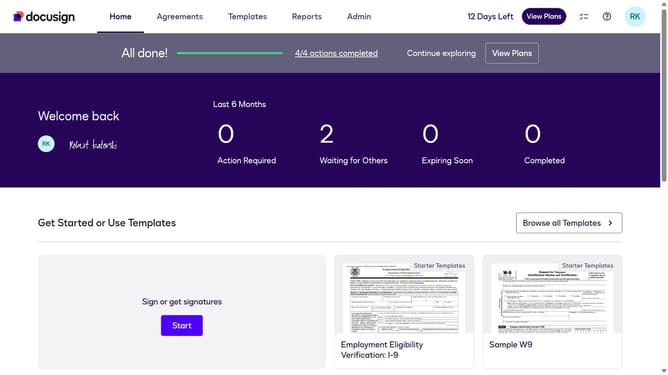
- First click on the "Admin" link in the top navigation menu
- Then scroll down the page to view more admin settings
- Next click on "Signing Settings" in the left sidebar under the "SIGNING AND SENDING" section
- Then scroll down the page to view recipient settings
- Next uncheck the "Allow recipients to change signing responsibility" checkbox in the Recipients section
- Then scroll down the page to view more options
- Finally click on the "Save Changes" button to save the modified settings
Why should you disable recipient ability to change signing responsibility in DocuSign
DocuSign is a premier e-signature platform that streamlines the process of signing documents digitally and securely.
A valuable feature of DocuSign is the ability to disable the recipient's ability to change signing responsibility. This ensures that the workflow remains organized and that authority over the signing order and responsibility stays with the sender.
Employing this feature can increase document security, maintain clear oversight, and prevent unauthorized alterations. It's invaluable for maintaining a consistent and controlled signing process, especially in business scenarios. By keeping the signing responsibility fixed, businesses can avoid misunderstandings and improve efficiency in handling agreements.
Last update