How to disable templte upload in DocuSign
Here is how to disable templte upload in docusign
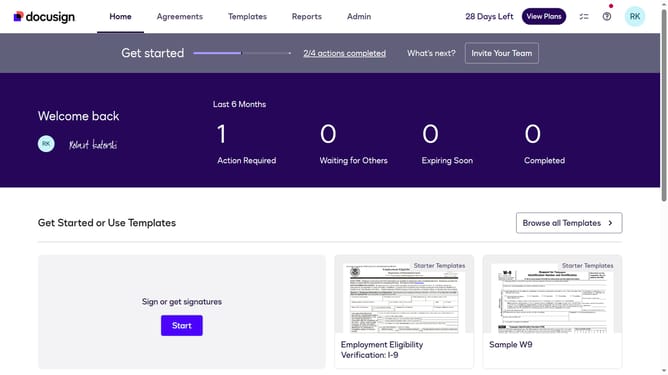
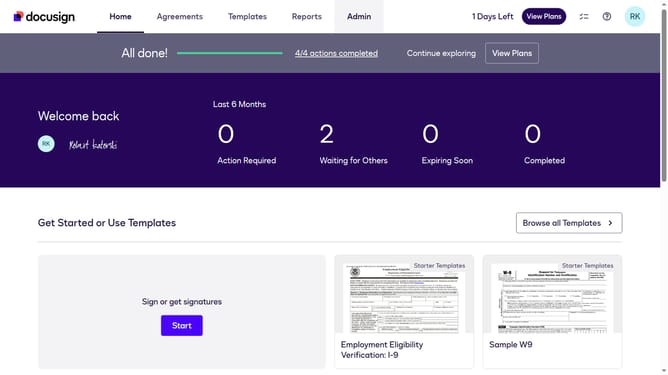
- First click on the "Admin" tab in the top navigation menu
- Then scroll down the page to view more admin settings options
- Next click on "Sending Settings" in the left sidebar under the "SIGNING AND SENDING" section
- Then scroll down the Sending Settings page to view the Templates section
- Next uncheck the "Enable template upload" checkbox to disable it
- Finally click on the "Save Changes" button to save the updated settings
Why should you disable templte upload in DocuSign
DocuSign is a leading eSignature platform that simplifies the signing and management of digital documents.
When you disable template uploads in DocuSign, you're choosing to enhance document control and maintain process integrity. This feature is particularly useful for organizations that prioritize streamlined workflows and want to minimize unauthorized template modifications.
By disabling template uploads, you ensure that only existing templates are in play, reducing the risk of errors and maintaining consistency across all document processes. Embracing this feature helps uphold organization-wide standards and enhances overall security.
Last update