How to allow recipients to create a DocuSign account in DocuSign
Here is how to allow recipients to create a docusign account in docusign
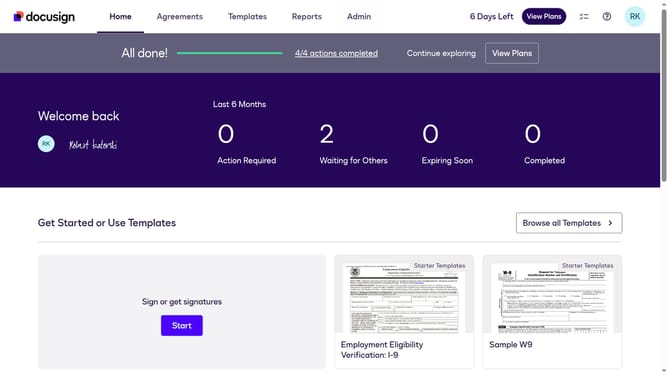
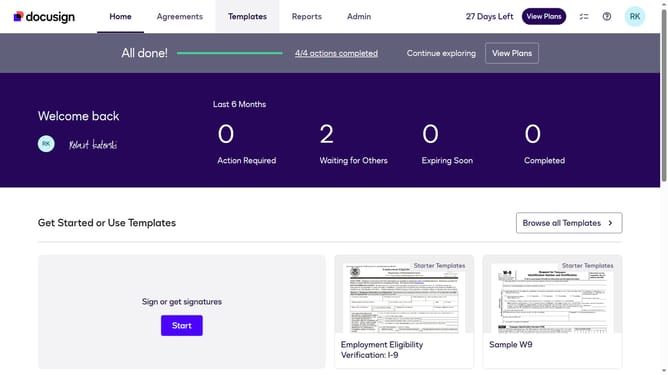
- First click on the "Admin" link in the top navigation menu
- Then scroll down the page to view more admin settings options
- Next click on "Signing Settings" in the left sidebar under the "SIGNING AND SENDING" section
- Then scroll down the page to view recipient settings
- Next click on the checkbox to enable "Allow recipients to create a Docusign account" option
- Then scroll down to the bottom of the page to view the save button
- Finally click on the "Save Changes" button to apply the settings
Why should you allow recipients to create a DocuSign account in DocuSign
DocuSign is a digital platform revolutionizing how documents are signed, making agreements faster and more secure.
Allowing recipients to create their own DocuSign accounts enhances collaboration by streamlining the workflow and promoting efficiency. This feature ensures that even first-time users can easily become part of the seamless digital signature process.
Encouraging recipients to register reduces manual processing times, enhances security, and offers them a convenient way to manage documents. It's a win-win situation for both parties, fostering stronger digital interactions.
Last update