How to disable sender notification when envelope delivery to a recipient fails for an API user in DocuSign
Here is how to disable sender notification when envelope delivery to a recipient fails for an api user in docusign
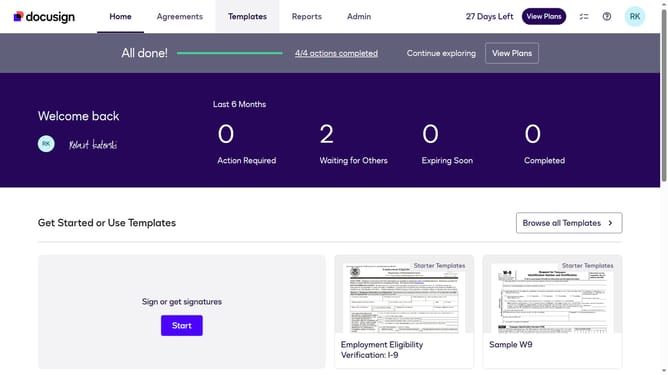
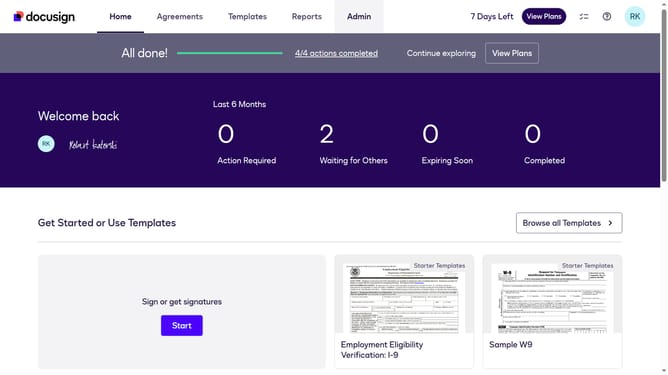
- First click on the "Admin" link in the top navigation menu
- Then click on the "Email Preferences" option in the left sidebar under the Settings section
- Next click on the "API User" tab to switch to API user email preferences
- Then scroll down the page to view additional email notification options
- Next click on the checkbox for "Envelope delivery to a recipient fails" to enable this notification
- Then uncheck the checkbox for "The first time each recipient views an envelope" to enable this notification
- Finally click on the "Save Changes" button to save the updated email preferences
Why should you disable sender notification when envelope delivery to a recipient fails for an API user in DocuSign
DocuSign is a leading electronic signature solution that simplifies document workflows, making agreements faster and easier.
For API users, disabling sender notifications on failed envelope deliveries provides a cleaner experience by reducing email clutter.
This feature aids in focusing on successful transactions rather than being distracted by failures, improving productivity and efficiency.
By tailoring notification settings, users can streamline communication, ensuring only crucial information demands their attention.
Last update