How to disable field assist in a permission profile in DocuSign
Here is how to disable field assist in a permission profile in docusign
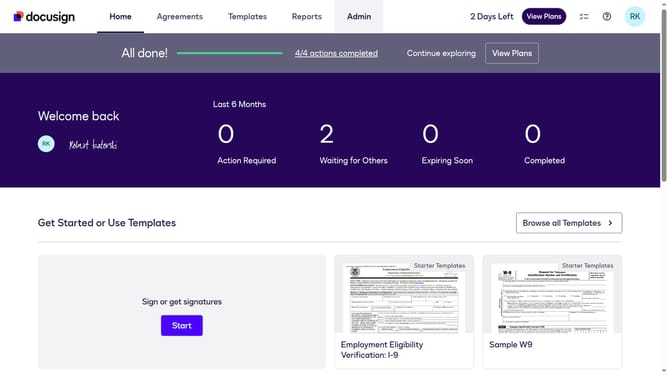
- First click on the "Admin" link in the top navigation menu
- Then scroll down the page to view the sidebar menu options
- Next click on "Permission Profiles" link in the left sidebar under the "USERS AND GROUPS" section
- Then click the "Actions" dropdown button next to a permission profile
- Next click on the "Edit" option from the dropdown menu
- Then scroll down the "Edit Permission Profile" dialog box to view more options
- Next uncheck the "Allow field assist" checkbox to disable it
- Finally click on the "Save" button to save the changes to the permission profile
Why should you disable field assist in a permission profile in DocuSign
DocuSign is a leading electronic signature platform designed to make digital transactions faster and more efficient.
Disabling field assist in a permission profile lets users customize their signing experience by reducing on-screen guidance prompts. This feature minimizes distractions, allowing signers to complete documents with enhanced focus and speed.
Streamlining the interface can enhance user satisfaction and boost overall productivity by providing a cleaner, more intuitive experience.
Ultimately, it's all about making the signing process as straightforward and efficient as possible.
Last update