How to enable Account Health email notifications in DocuSign
Here is how to enable account health email notifications in docusign
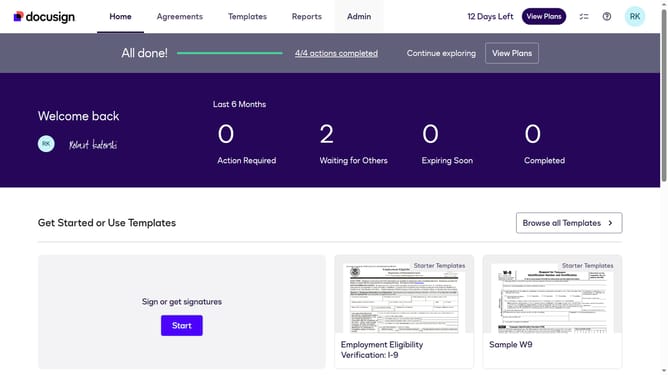
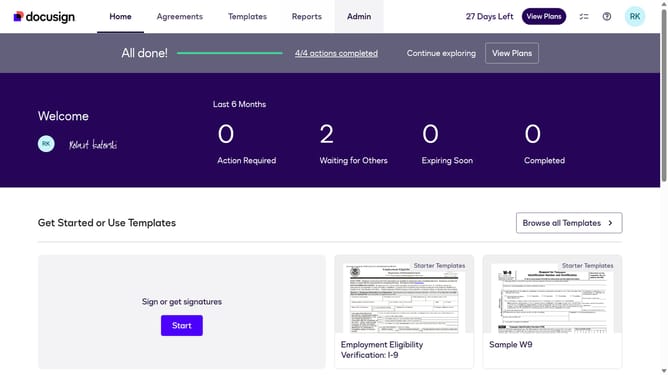
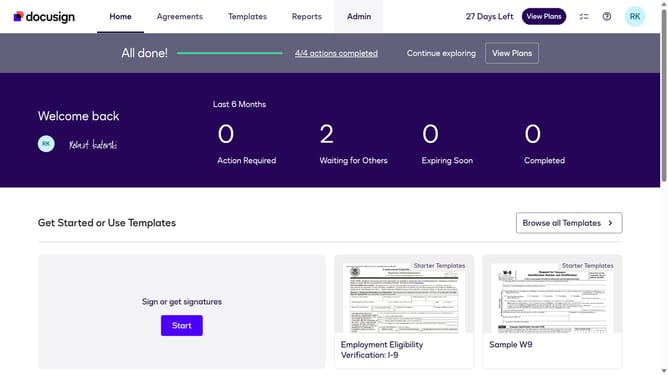
- First click on the "Admin" link in the top navigation menu
- Then click on the "Notification Preferences" settings icon in the Notifications section
- Then click on the "Account Health" checkbox to enable account health notifications
- Finally click on the "Save" button to save the notification preferences
Why should you enable Account Health email notifications in DocuSign
DocuSign is a transformative digital tool designed to streamline electronic signatures and agreement management.
By enabling Account Health email notifications in DocuSign, you gain valuable insights into your account's status and performance. This feature keeps you informed of critical updates and potential issues, ensuring you maintain optimal functionality.
Staying updated with these notifications helps you promptly address any concerns, enhancing your workflow efficiency and bolstering the reliability of your electronic transactions.
Last update