How to prevent users from forwarding completed envelopes in DocuSign
Here is how to prevent users from forwarding completed envelopes in docusign
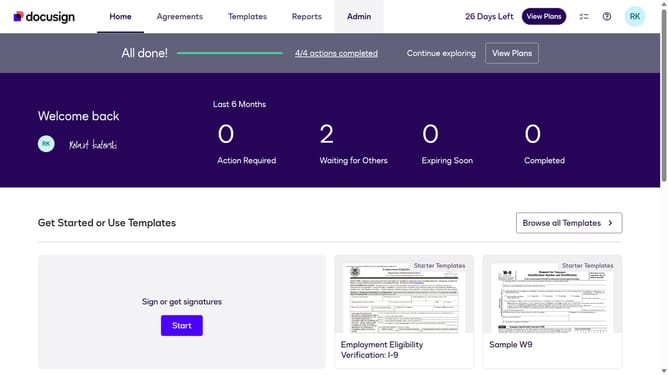
- First click on the "Admin" tab in the top navigation menu
- Then scroll down the page to view more admin settings options
- Next click on "Sending Settings" link in the left sidebar under the "SIGNING AND SENDING" section
- Then scroll down the page to view additional sending settings options
- Next click on the checkbox for "Prevent users from forwarding completed envelopes" to enable this setting
- Then continue scrolling down to reach the bottom of the settings page
- Finally click on the "Save Changes" button to apply the modified settings
Why should you prevent users from forwarding completed envelopes in DocuSign
DocuSign revolutionizes the way agreements are completed, providing flexible and secure digital solutions.
By preventing users from forwarding completed envelopes, DocuSign enhances privacy and security.
This feature ensures that sensitive information remains within intended recipients, maintaining the integrity of your documents.
Enjoy peace of mind knowing your agreements are protected from unauthorized sharing, safeguarding your business's confidentiality effectively.
Last update