How to disable Google Drive as a document source in DocuSign
Here is how to disable google drive as a document source in docusign
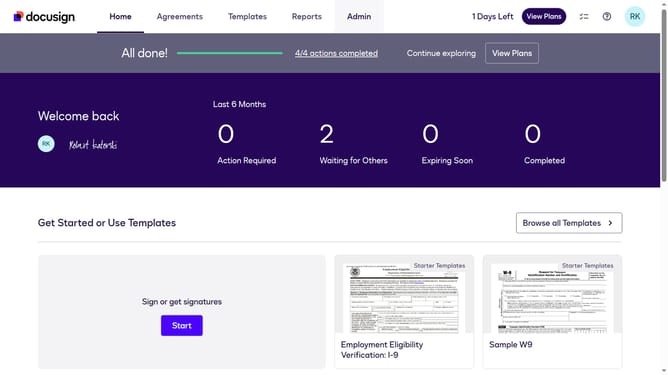
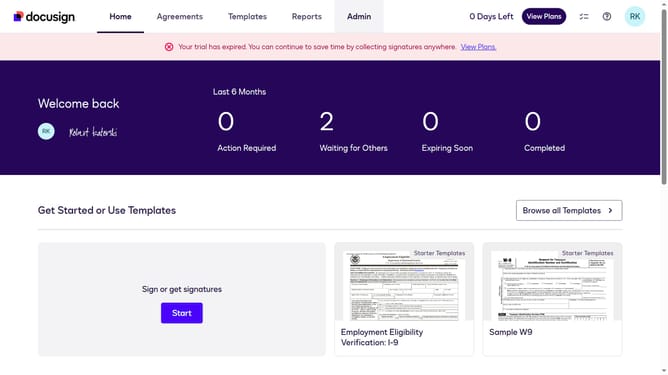
- First click on the "Admin" link in the top navigation menu
- Then scroll down the page to view more admin settings options
- Next click on the "Sending Settings" option in the left sidebar under the "SIGNING AND SENDING" section
- Then scroll down the page to view the "Document Sources" section
- Next uncheck the "Google Drive" checkbox in the Document Sources section
- Finally click on the "Save Changes" button to apply the settings
Why should you disable Google Drive as a document source in DocuSign
DocuSign is a leading solution for electronic signature management, streamlining contract workflows and document approvals.
Disabling Google Drive as a document source in DocuSign can enhance security by limiting external connections, reducing potential data leakage.
This feature allows you to customize your document management system to prioritize internal document storage paths, improving efficiency for professionals who require tighter control over document access.
By focusing on specific document sources, you ensure a streamlined, targeted approach to managing crucial documentation.
Last update