How to enable envelope copy with field data in DocuSign
Here is how to enable envelope copy with field data in docusign
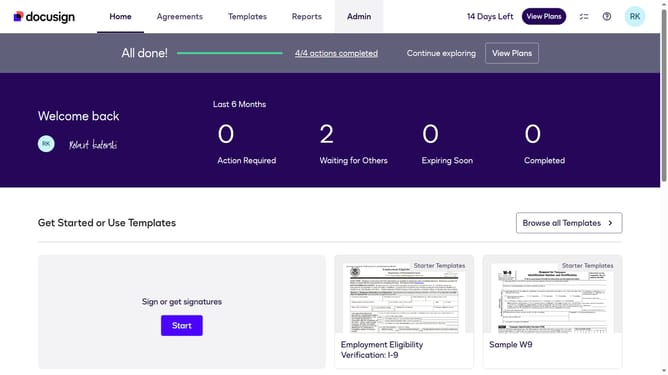
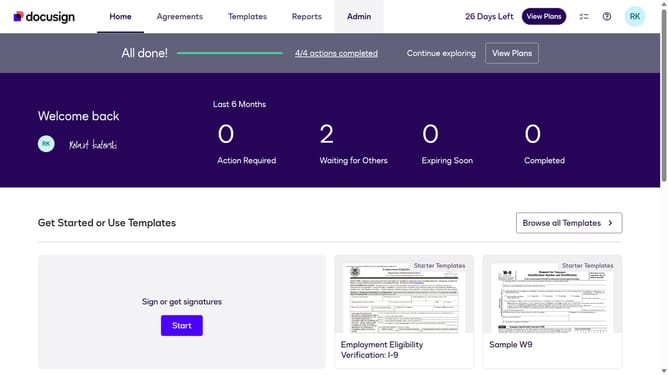
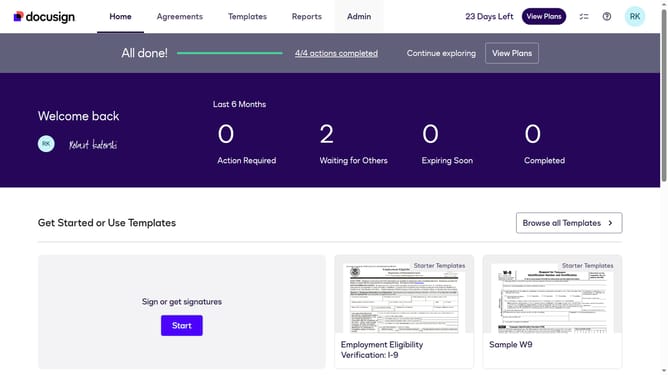
- First click on the "Admin" tab in the top navigation menu
- Then scroll down the page to view more options in the sidebar
- Next click on "Sending Settings" in the left sidebar under the "SIGNING AND SENDING" section
- Then scroll down the page to view additional sending settings options
- Next click on the checkbox for "Enable envelope copy with field data" to enable this feature
- Then scroll down to the bottom of the page to view the save button
- Finally click on the "Save Changes" button to apply the settings
Why should you enable envelope copy with field data in DocuSign
DocuSign is a leading platform that simplifies digital transactions and signatures.
The feature of enabling envelope copy with field data in DocuSign allows users to capture and save crucial document information effortlessly.
This feature is essential for maintaining accurate records and data analysis, as it stores copies of signed documents along with the filled-in fields.
Utilizing this functionality streamlines workflows and enhances document management efficiency, ensuring data accuracy and accessibility.
Last update