How to remove the failed knowledge-based authentication landing page in DocuSign
Here is how to remove the failed knowledge-based authentication landing page in docusign
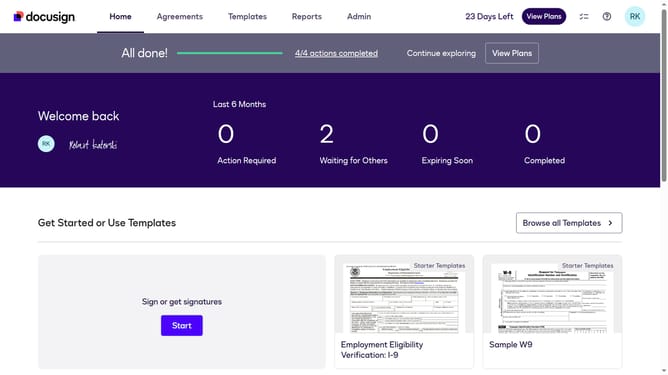
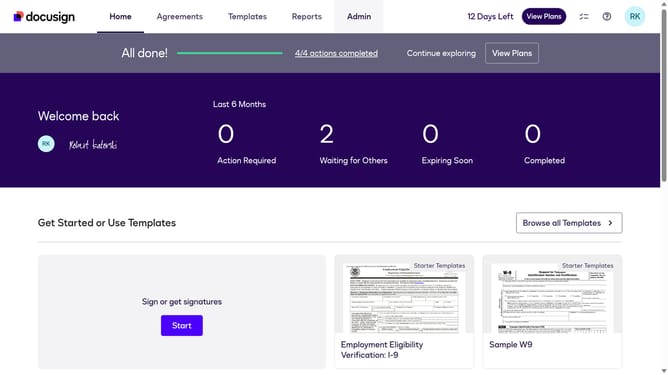
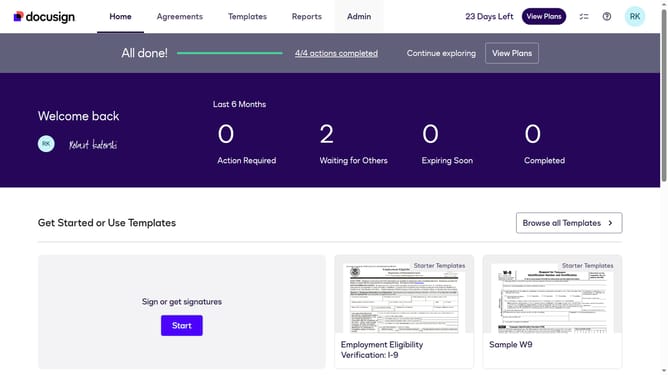
- First click on the "Admin" link in the top navigation menu
- Then scroll down the page to view additional options in the sidebar
- Next click on the "Signing Settings" menu item in the left sidebar
- Then click on the "In-session Landing Pages" button in the Signing Experience section
- Next scroll down the page to view the "Failed knowledge-based authentication check" field
- Then click on the "Failed knowledge-based authentication check" text input field and clear the existing URL
- Finally click on the "Save Changes" button to save the configuration
Why should you remove the failed knowledge-based authentication landing page in DocuSign
DocuSign is a trusted solution for securing and managing digital agreements with ease.
Among its multifaceted features, the ability to remove the failed knowledge-based authentication landing page enhances user experience by streamlining the document signing process.
This feature ensures that users can move past authentication challenges swiftly, improving overall efficiency and reducing frustration.
Utilizing this feature results in quicker transactions, fostering a seamless workflow for all parties involved in the digital signing process.
Last update