How to prevent users from choosing whether to send a link or attach a PDF in DocuSign
Here is how to prevent users from choosing whether to send a link or attach a pdf in docusign
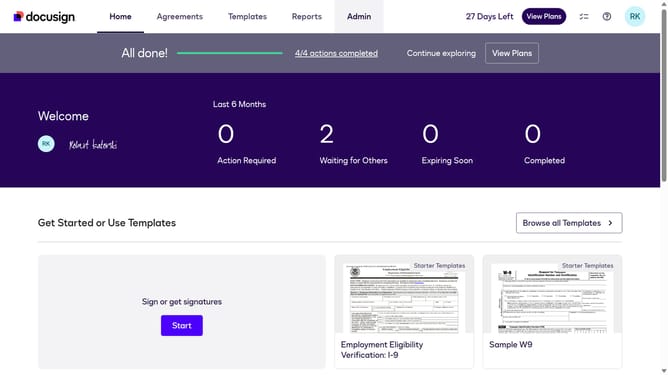
- First click on the "Admin" tab in the top navigation menu
- Then scroll down in the Admin settings to view more options
- Next click on "Signing Settings" in the left sidebar under the "SIGNING AND SENDING" section
- Then scroll down in the Signing settings menu
- After that, uncheck the checkbox for "Allow account users to decide if they should send a link or attach a PDF" to disable this option
- Finally click on the "Save Changes" button at the bottom of the page to apply the settings
Why should you prevent users from choosing whether to send a link or attach a PDF in DocuSign
DocuSign is a powerful tool designed to streamline document management and electronic signature processes.
One valuable feature is the ability to control whether users send a document link or attach a PDF directly. This functionality enhances compliance and standardization within an organization.
By setting uniform sending methods, companies can maintain a consistent professional image, improve security, and reduce the risk of sending errors.
Overall, this feature supports efficient document handling and a seamless user experience.
Last update