How to prevent recipients from signing on paper in DocuSign
Here is how to prevent recipients from signing on paper in docusign
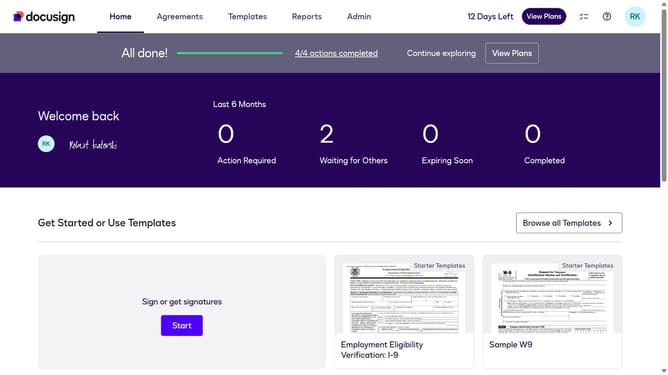
- First click on the "Admin" link in the top navigation menu
- Then click on the user profile icon in the top right corner
- Next click on "Signing Settings" in the left sidebar under the "SIGNING AND SENDING" section
- Then scroll down and click on the "Allow recipients to sign on paper" checkbox in the Recipients section
- Continue scrolling down the page to view additional settings
- Scroll further down to the bottom of the page to reach the save button
- Finally click on the "Save Changes" button to apply the settings
Why should you prevent recipients from signing on paper in DocuSign
DocuSign empowers users to seal agreements electronically, streamlining document management and enhancing efficiency.
One of its standout features is the ability to prevent recipients from signing on paper. This feature ensures that all signatures are captured electronically, maintaining a digital trail that's easy to track and audit.
Utilizing this feature promotes sustainability by reducing paper usage and boosts security by digitally archiving documents in a centralized location. It also speeds up processes, alleviating delays associated with traditional paper handling.
Last update