How to export a document as a CSV file in DocuSign
Here is how to export a document as a csv file in docusign
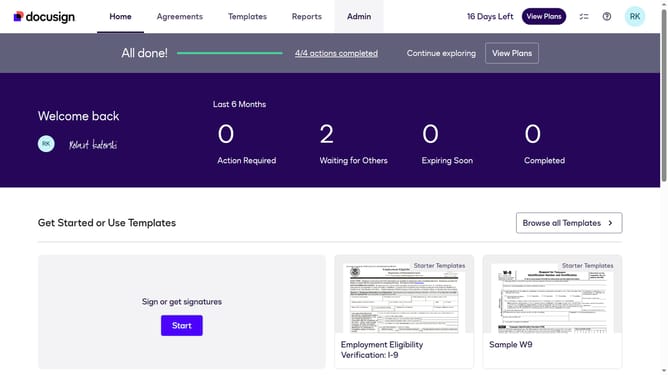
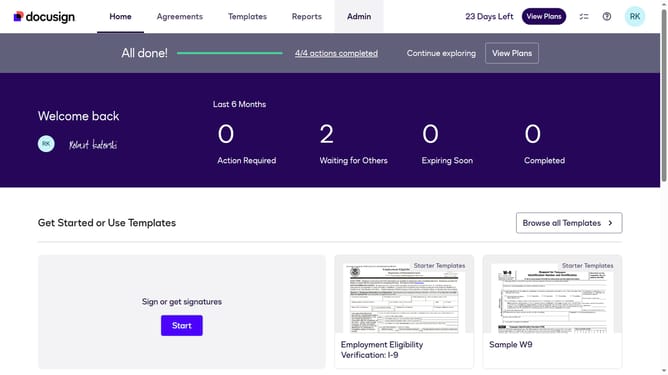
- First click on the "Agreements" tab in the top navigation menu
- Then click on the three-dot menu button next to the "Download" of the document you want to export as CSV
- Next scroll down in the dropdown menu
- Finally click on the "Export as CSV" option in the dropdown menu
Why should you export a document as a CSV file in DocuSign
DocuSign is a leading platform for handling electronic agreements and streamlining the signature process.
Exporting a document as a CSV file in DocuSign is a powerful feature, designed to enhance your data handling capabilities.
This feature enables you to easily manage and analyze your document data, making it an invaluable tool for business insights and decision-making.
By converting documents into CSV format, DocuSign offers you the flexibility to work with your data in a variety of applications, ensuring a more seamless workflow.
Last update