How to change the watermark orientation to horizontal in DocuSign
Here is how to change the watermark orientation to horizontal in docusign
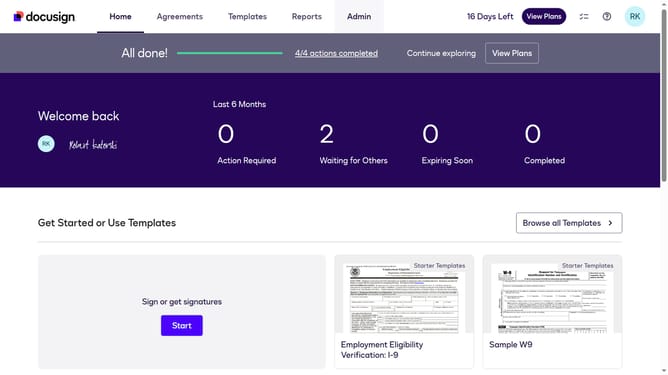
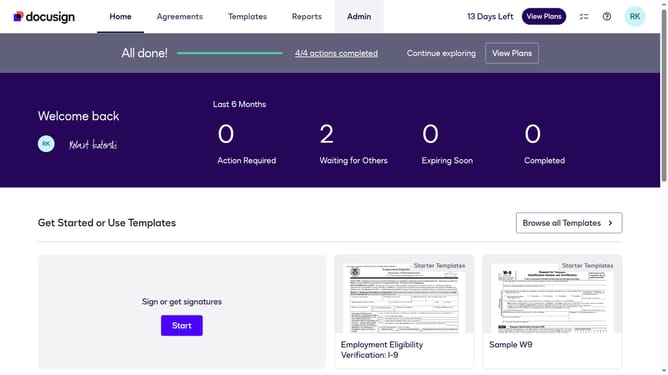
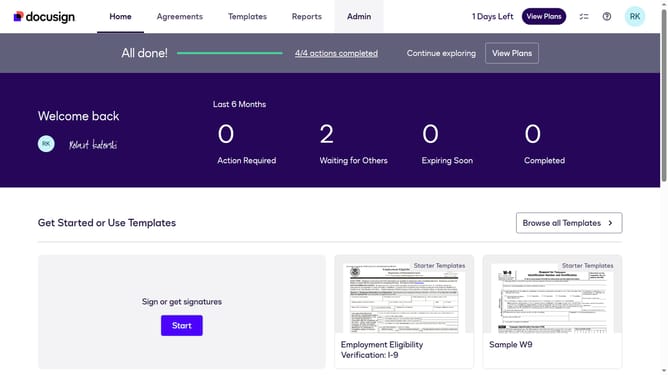
- First click on the "Admin" link in the top navigation menu
- Then scroll down the page to view additional options
- Next click on "Signing Settings" in the left sidebar under the "SIGNING AND SENDING" section
- Then click on the "Watermark Configuration" button in the Signing Experience section
- Next click on the "Choose an orientation of the watermark" dropdown and select "Horizontal"
- Then scroll down the page to view the save button
- Finally click on the "Save Changes" button to apply the watermark settings
Why should you change the watermark orientation to horizontal in DocuSign
DocuSign is a leading digital transaction management tool that simplifies the process of electronically signing documents.
Changing the watermark orientation to horizontal in DocuSign can enhance document readability and maintain a professional appearance. This simple adjustment can increase the visual appeal and coherence of your digital documents.
Utilizing this feature supports brand consistency and message clarity, crucial elements for effective communication. With horizontal watermarks, your documents can convey a polished and uniform look that resonates with your audience.
Last update