How to copy a template in DocuSign
Here is how to copy a template in docusign
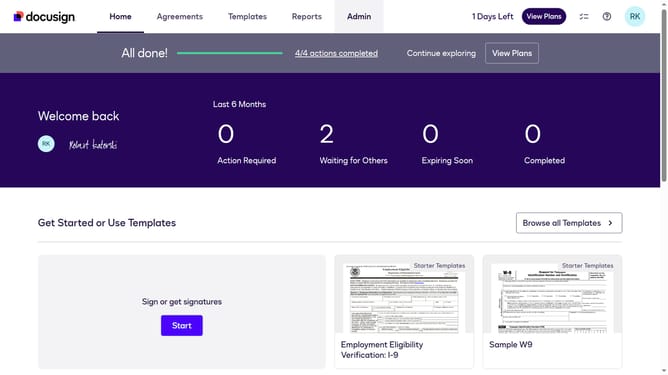
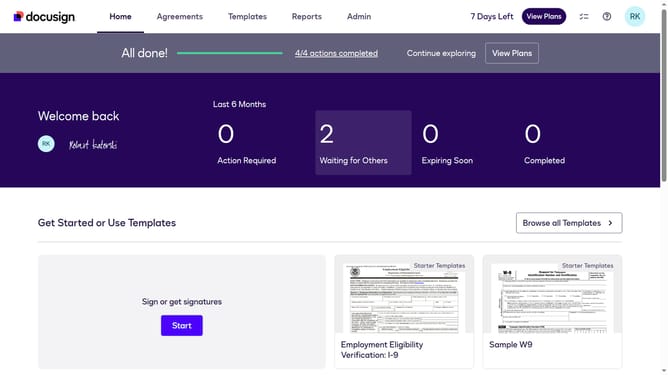
- First click on the "Templates" tab in the top navigation menu
- Then use the scroll bar to scroll to the right
- Next click on the three-dot option next to the template you want to view the history
- Then scroll down in the dropdown menu to reveal more options
- Finally click on the "History" option in the dropdown menu
Why should you copy a template in DocuSign
DocuSign streamlines digital transactions by enabling secure electronic signatures for documents.
The ability to copy a template in DocuSign facilitates a user-friendly approach to handling repetitive document tasks. By duplicating existing templates, you can save significant time and maintain consistency across various agreements.
This feature proves advantageous for businesses that rely on standardized documents, ensuring accuracy and efficiency. It seamlessly integrates with workflow processes, optimizing productivity while reducing administrative efforts.
Last update