How to void a document when one or more parties decline the terms in DocuSign
Here is how to void a document when one or more parties decline the terms in docusign
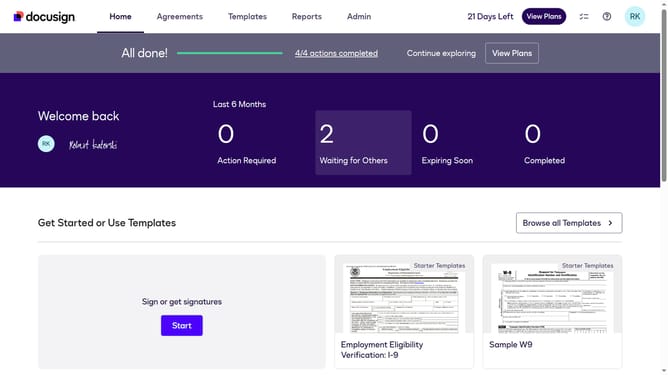
- First click on the "Agreements" tab in the top navigation menu
- Then click on the three-dot menu button next to the document in the inbox that you want to void
- Next select the "Void" option from the dropdown menu
- Then select the "One or more parties declined the terms" radio button in the void envelope dialog
- Finally click on the "Void" button to confirm voiding the envelope
Why should you void a document when one or more parties decline the terms in DocuSign
DocuSign is a leading digital solution for managing electronic agreements efficiently and securely.
When one or more parties decline the terms of a document, voiding it in DocuSign is a seamless process. This feature helps maintain the integrity of your agreements by ensuring only fully accepted terms move forward, conserving resources by avoiding follow-ups on declined transactions.
Employing this feature guarantees that all parties are always on the same page, enhancing trust and transparency in professional dealings. This approach supports effective document management while saving valuable time and effort.
Last update