How to enable all sender notifications in DocuSign
Here is how to enable all sender notifications in docusign
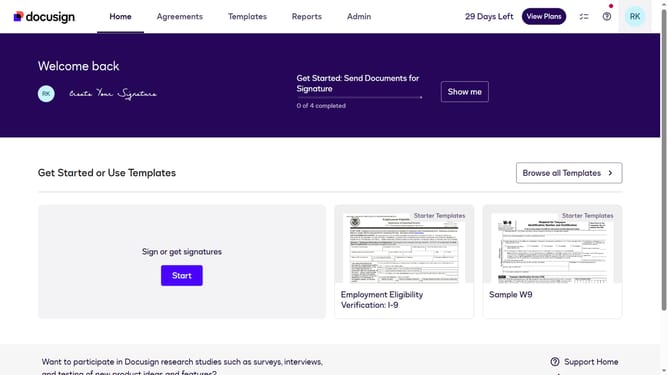
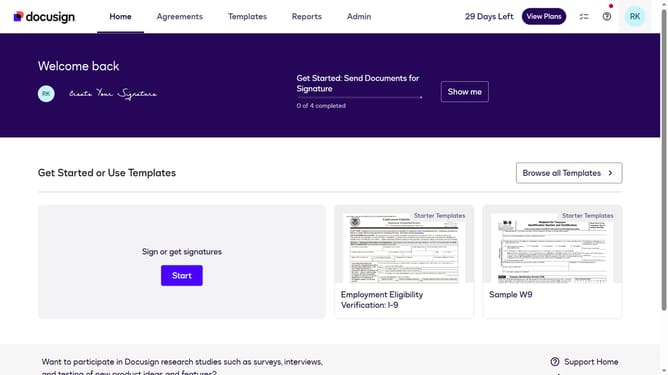
- First click on your profile button in the top right corner of the header
- Then click on "My Preferences" option in the dropdown menu
- Next click on "Notification Preferences" item in the left sidebar under the ACCOUNT section
- Then click on the "Select All Sender Notifications" checkbox in the Email column
- Scroll down to view additional notification settings
- Finally click on the "Save" button at the bottom right of the page
Why should you enable all sender notifications in DocuSign
DocuSign is a premier electronic signature solution designed to streamline the process of managing digital agreements.
Enabling all sender notifications in DocuSign is a feature that enhances your ability to stay informed about every development in the document signing process. By activating these notifications, you ensure that updates are instantly received, maintaining the momentum required for timely project completion.
This feature is invaluable for keeping tabs on document status, thereby enabling proactive decision-making and fostering improved collaboration among team members.
Last update