How to remove the session timeout landing page in DocuSign
Here is how to remove the session timeout landing page in docusign
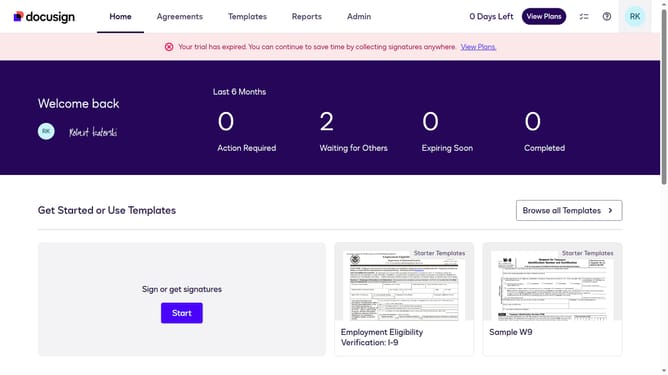
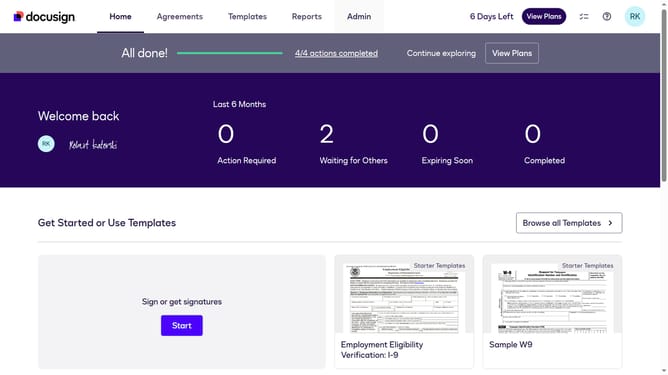
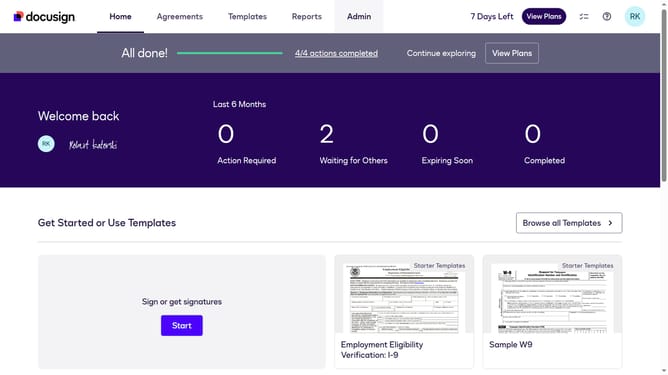
- First click on the "Admin" tab in the top navigation menu
- Then scroll down the page and click on the scrollbar on the right side
- Next click on "Signing Settings" link in the left sidebar under the "SIGNING AND SENDING" section
- Then click on the "In-session Landing Pages" tab in the Signing Experience section
- Next scroll down to view more options
- Next click on the "Session Timeout" text field and clear the existing URL
- Finally click on the "Save Changes" button at the bottom of the page
Why should you remove the session timeout landing page in DocuSign
DocuSign is a streamlined digital solution for managing and signing documents efficiently.
The ability to remove the session timeout landing page in DocuSign offers a seamless experience for users, allowing uninterrupted workflow.
This feature is particularly advantageous for those who require extended focus times, as it eliminates unnecessary disruptions and maximizes productivity.
By customizing this setting, users enjoy a smoother, more efficient interaction with the platform, aligning with their personal or business needs.
Last update