How to require at least one uppercase letter in passwords in DocuSign
Here is how to require at least one uppercase letter in passwords in docusign
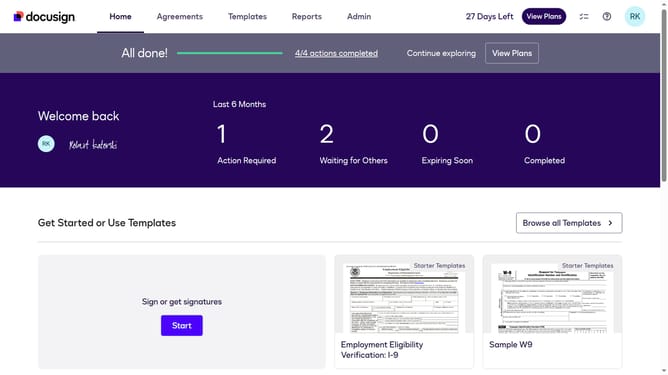
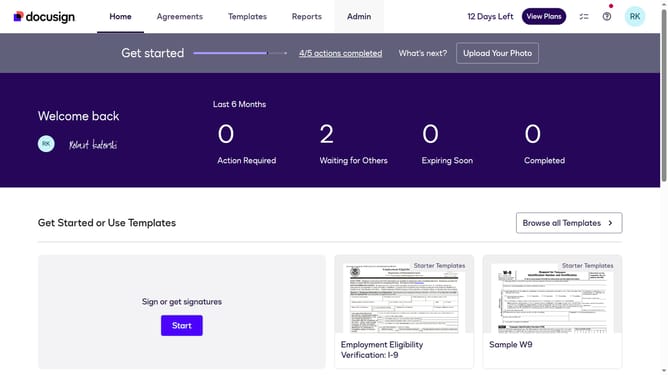
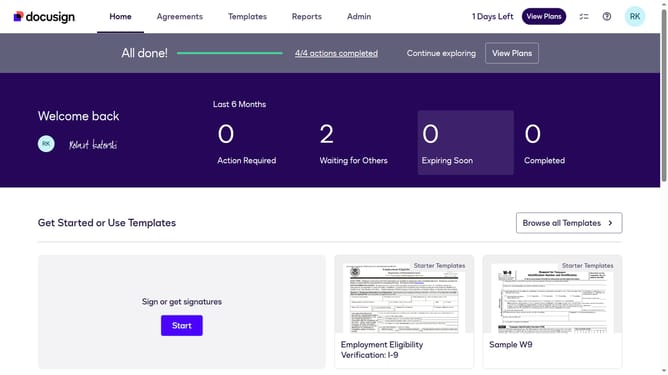
- First click on the "Admin" tab in the top navigation menu
- Then click on "Security Settings" link in the left sidebar under the ACCOUNT section
- Next scroll down the page to view the Password Security section
- Then click on the "Show Password Rules" button in the Password Security section
- Next click on the "At least one uppercase letter" checkbox under the "Passwords must include" section in the Password Rules modal
- Finally click on the "Save" button at the bottom right of the Password Rules modal
Why should you require at least one uppercase letter in passwords in DocuSign
DocuSign is a leading digital transaction platform that streamlines the signing and management of agreements.
By requiring at least one uppercase letter in passwords, DocuSign enhances security significantly. This feature ensures that user credentials are more robust, deterring unauthorized access.
Implementing stronger password requirements bolsters trust, encouraging users to adopt better security practices. These measures make DocuSign an even more secure environment for managing sensitive documents.
Last update